User Interface Tips
This page shows some tips for working with the OpenReception dashboard
Dashboard Overview
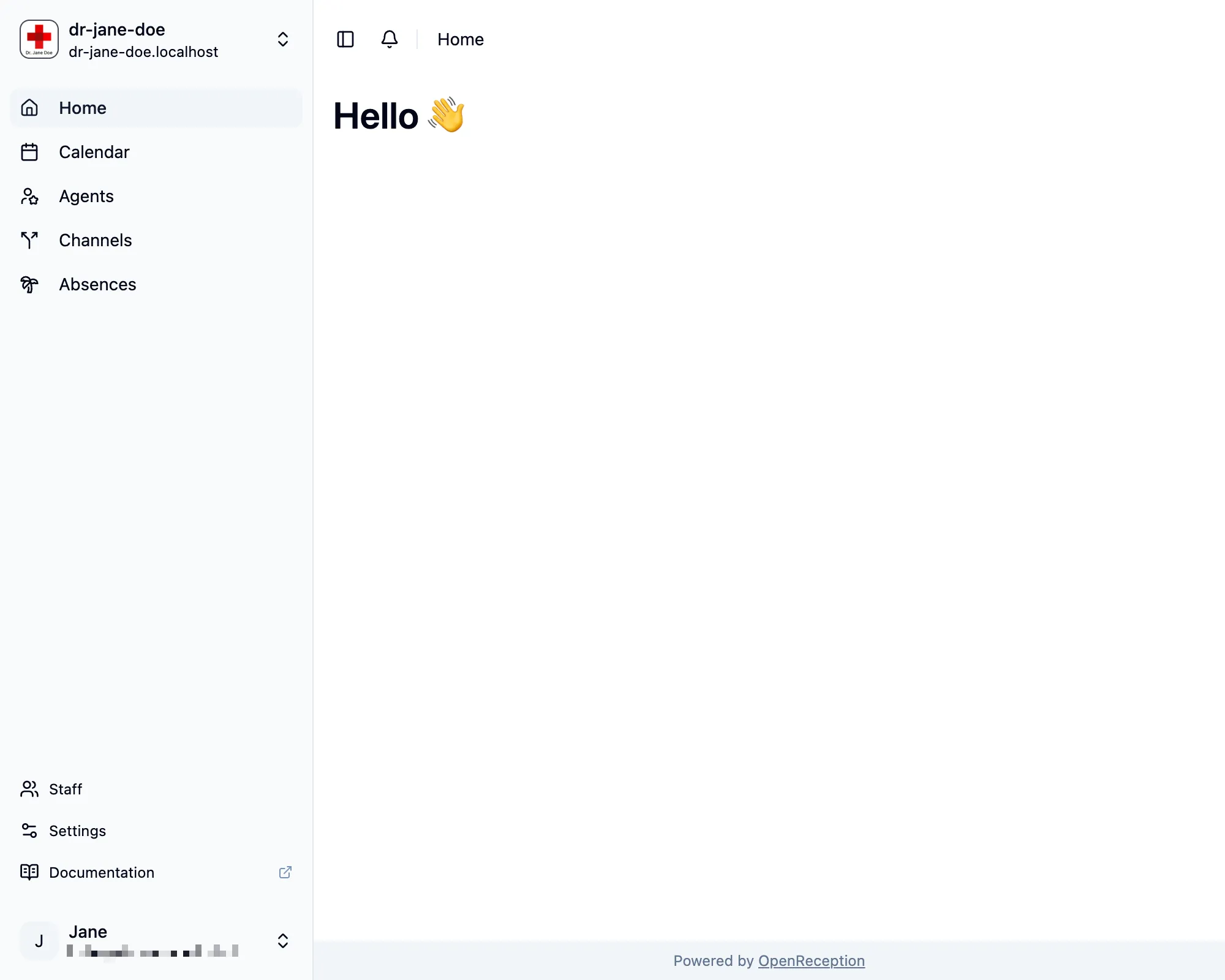
Section titled “Dashboard Overview”The dashboard gives you access to all appointments and settings.
You can toggle the navigation sidebar large and small by clicking its border or the sidebar icon in the top left corner of the main area.
Account Menu
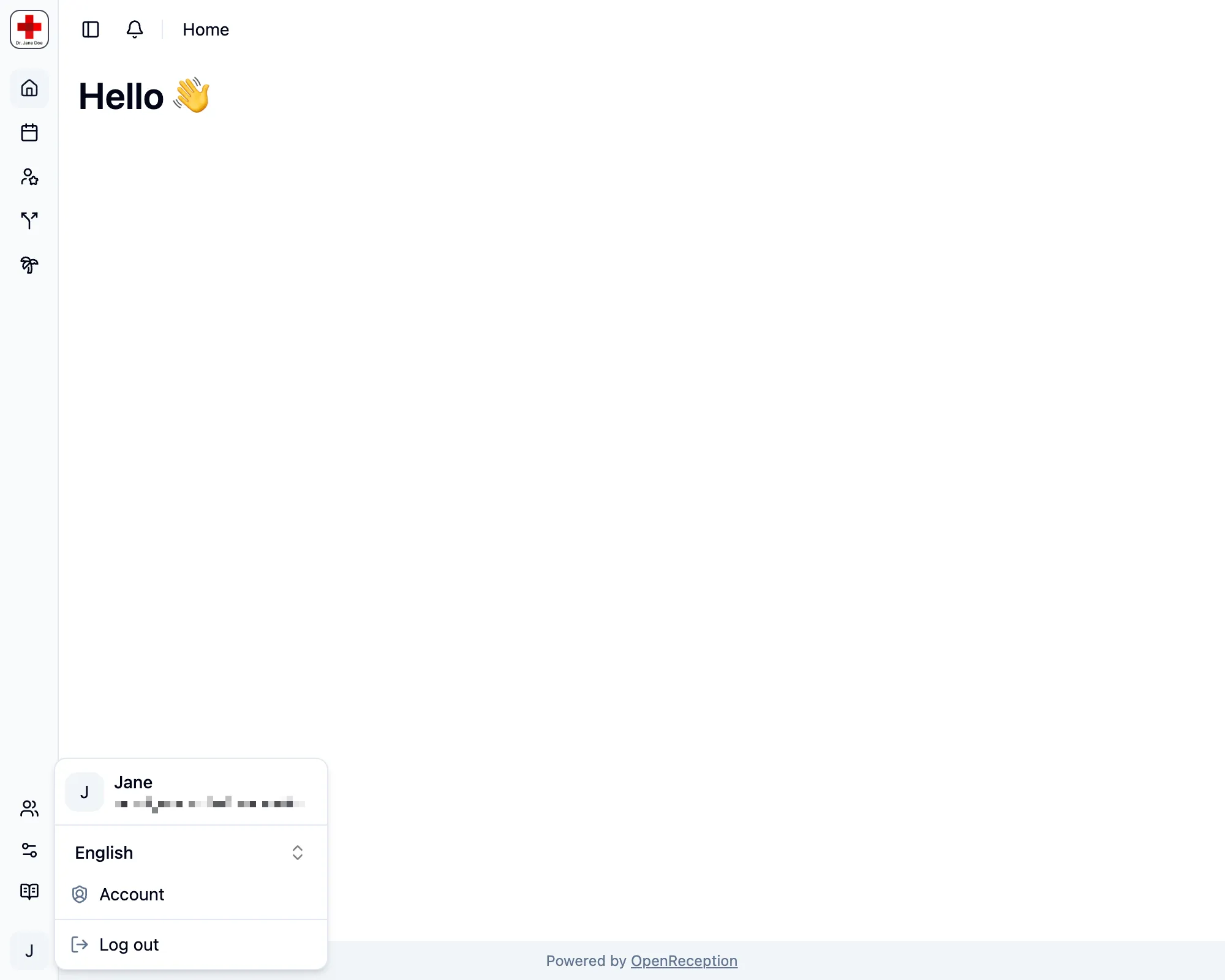
Section titled “Account Menu”You can access your personal account settings using the account menu.
This is also the place where you can safely logout.
Tenant Switch
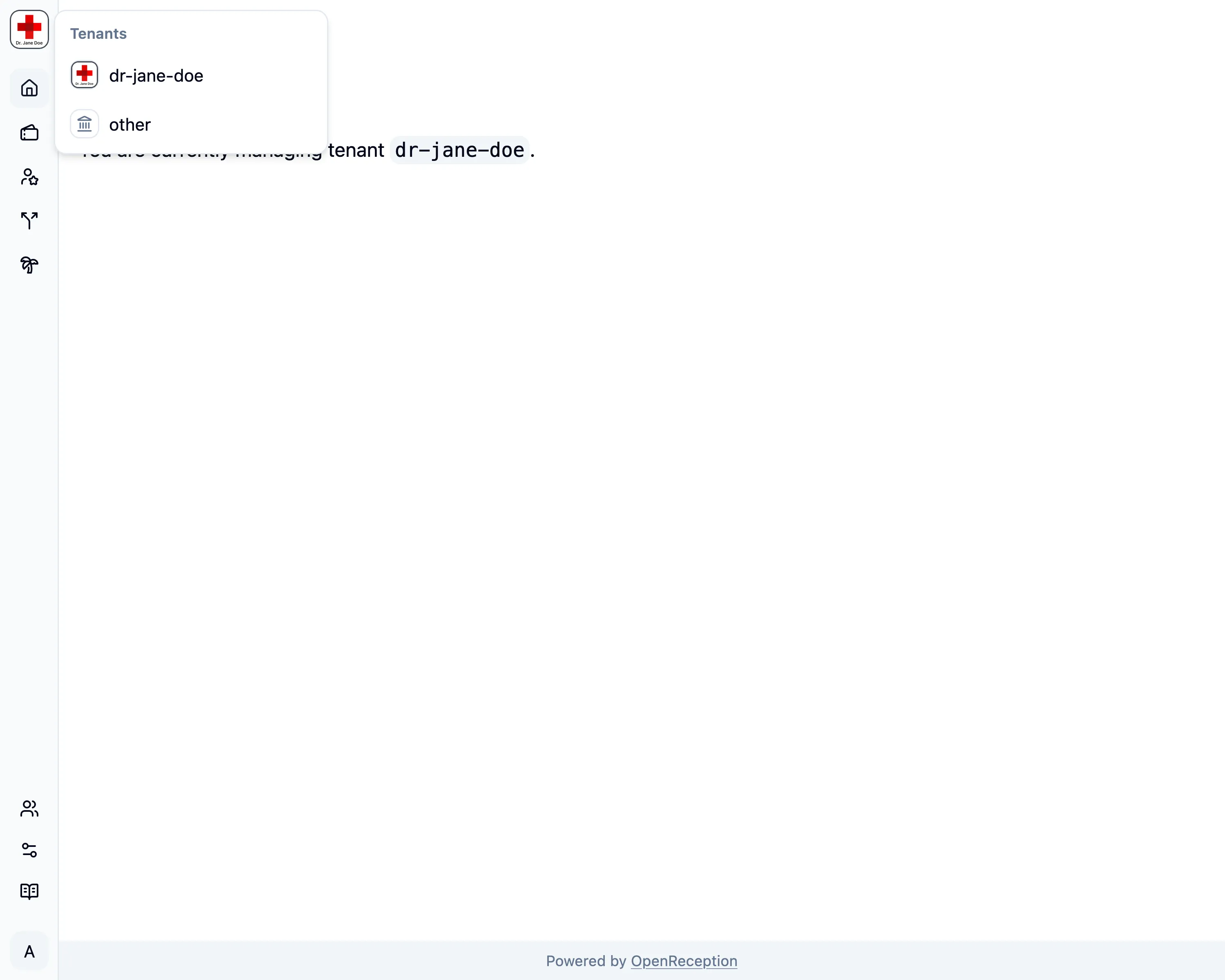
Section titled “Tenant Switch”Global Admins can make use of the tenant switch in the top left corner. This makes switching tenants quick.