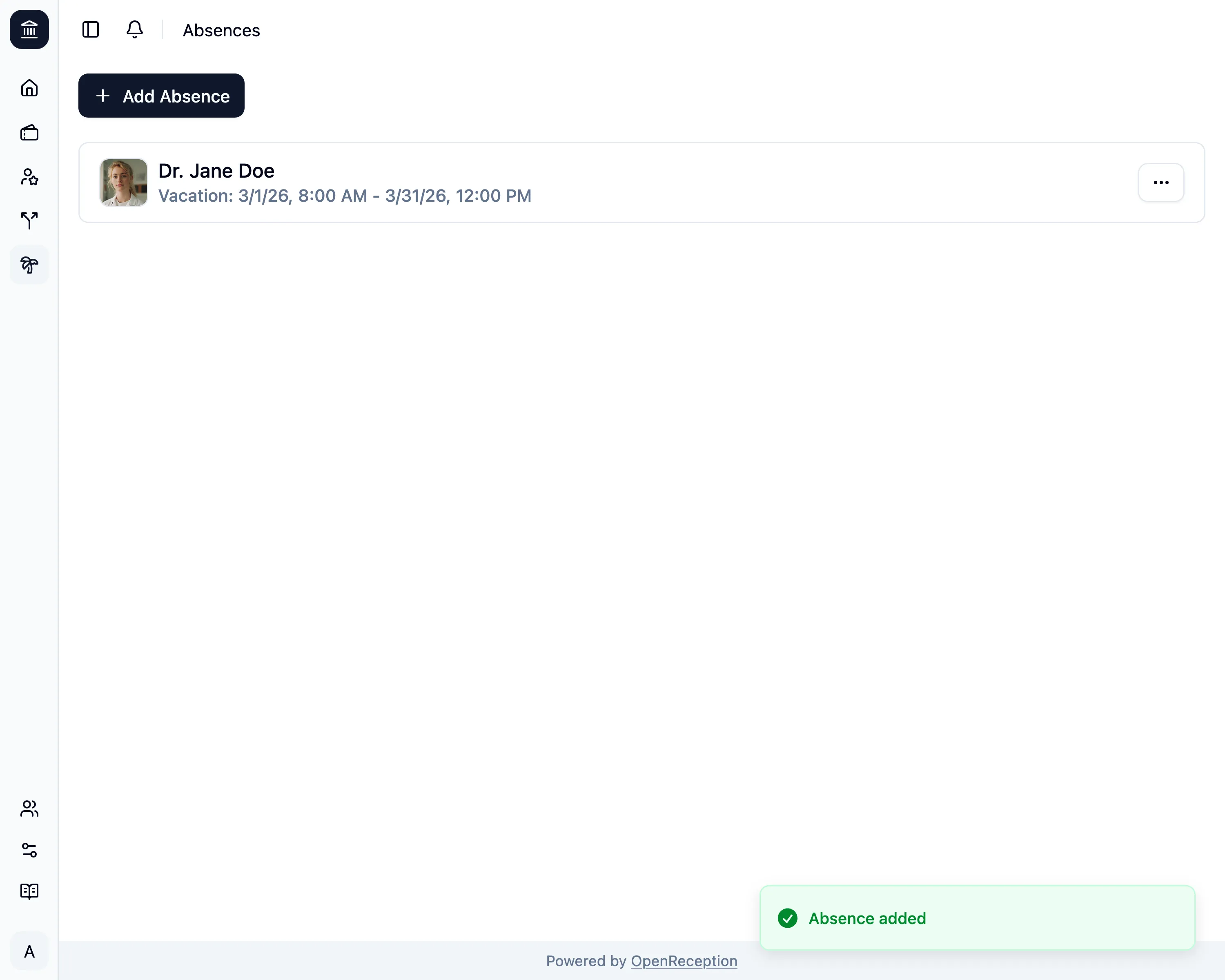
Add Absence
-
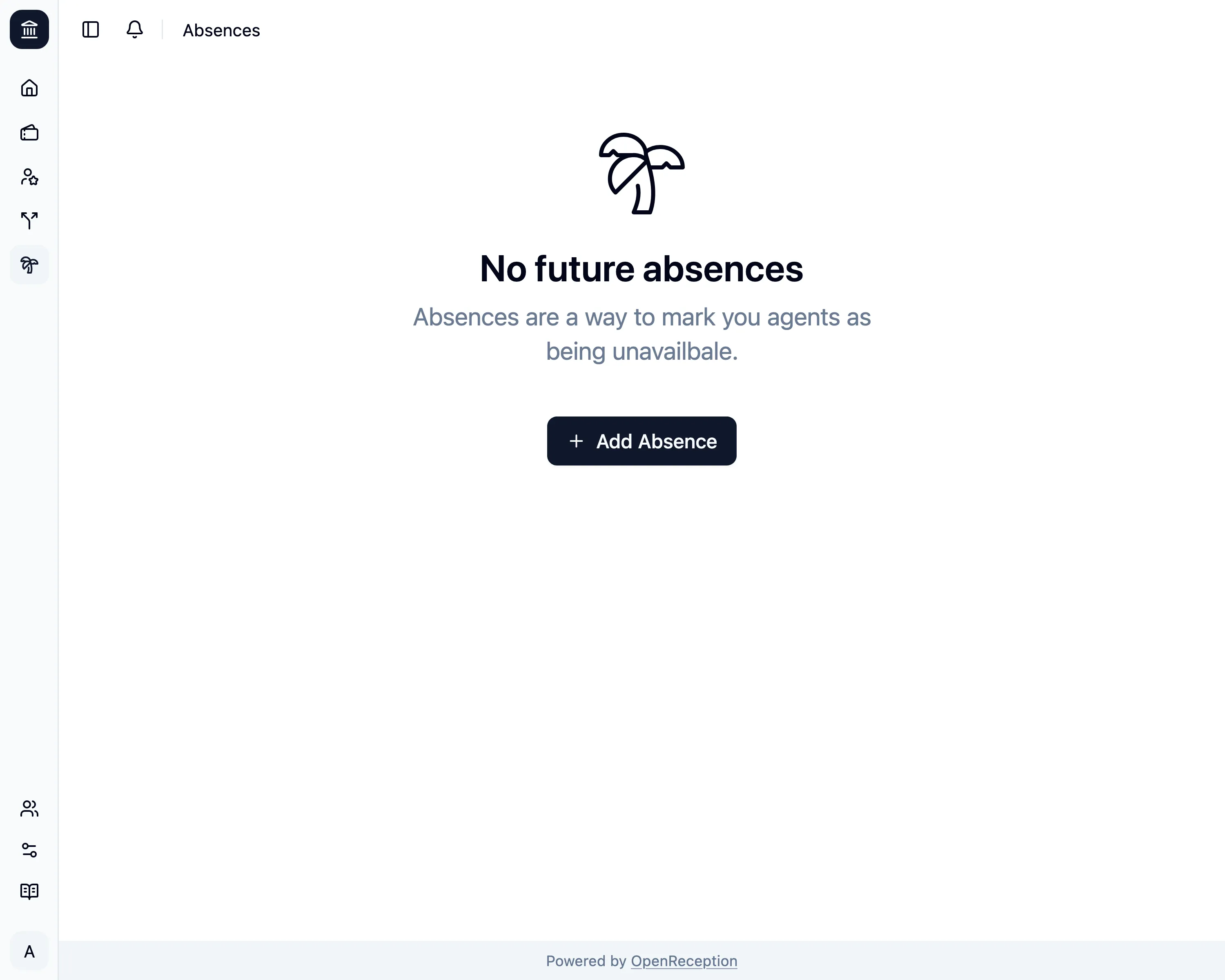
Navigate to the absences section of the dashboard and click on Add Absence
-
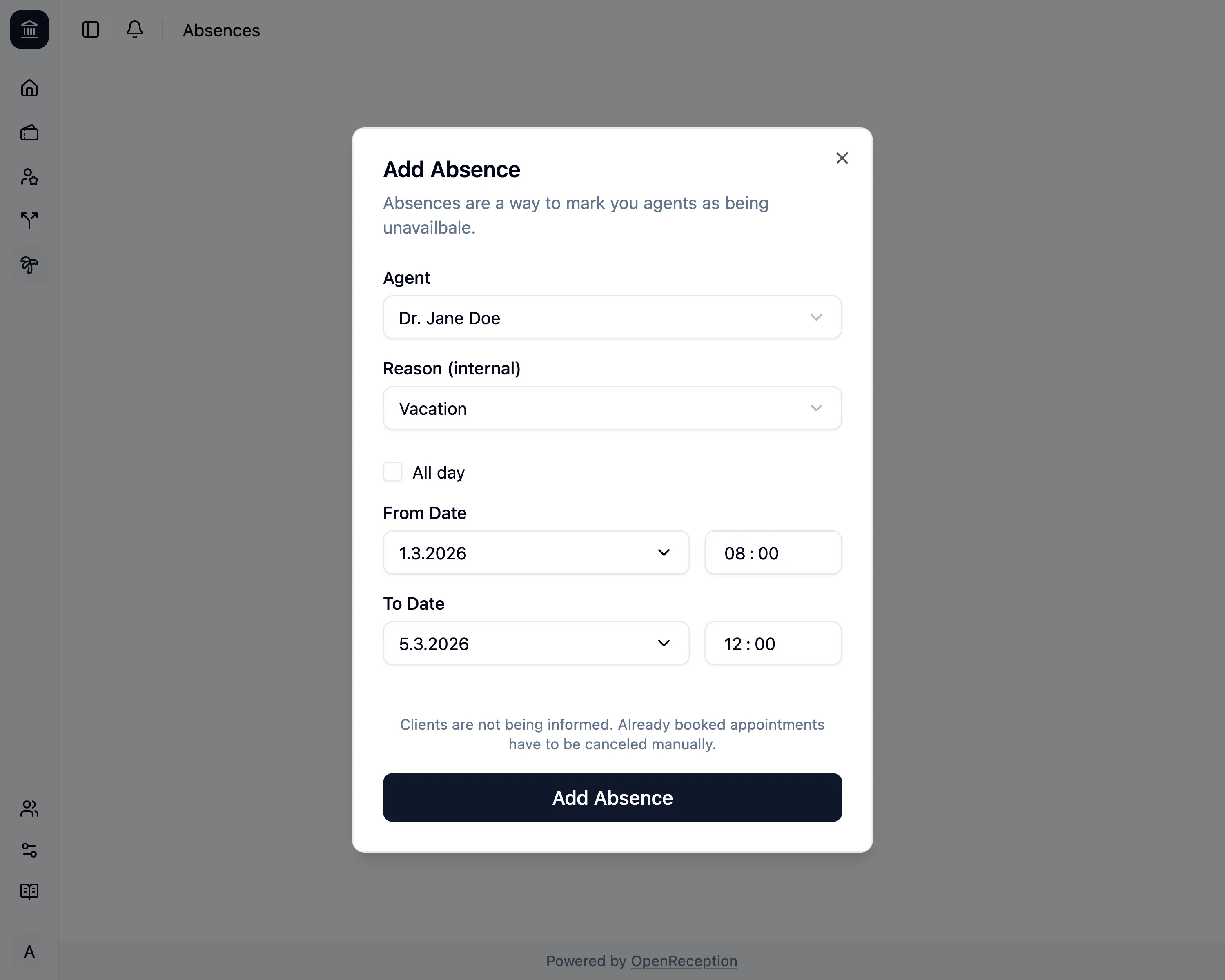
A modal with a form opens.
- Select the absent agent
- Change the reason, if you want to track it here.
- Select a range for the absence. The to date must be in the future.
-
Click Add Absence and it will be saved.