Client Dashboard
This page guides you though all client side dashboard features.
-
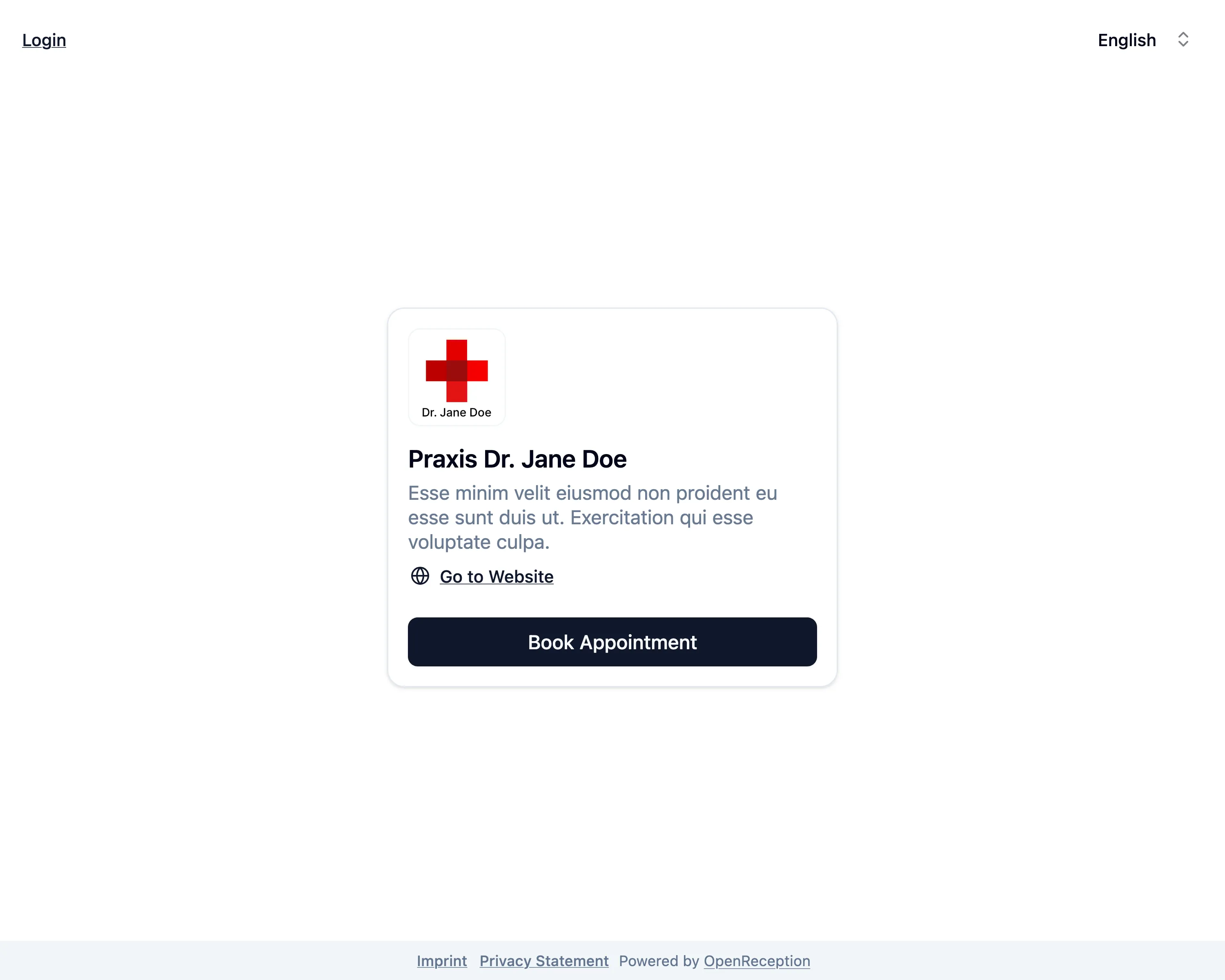
Navigate to the organizations appointment booking page and click Login in the top left corner.
-
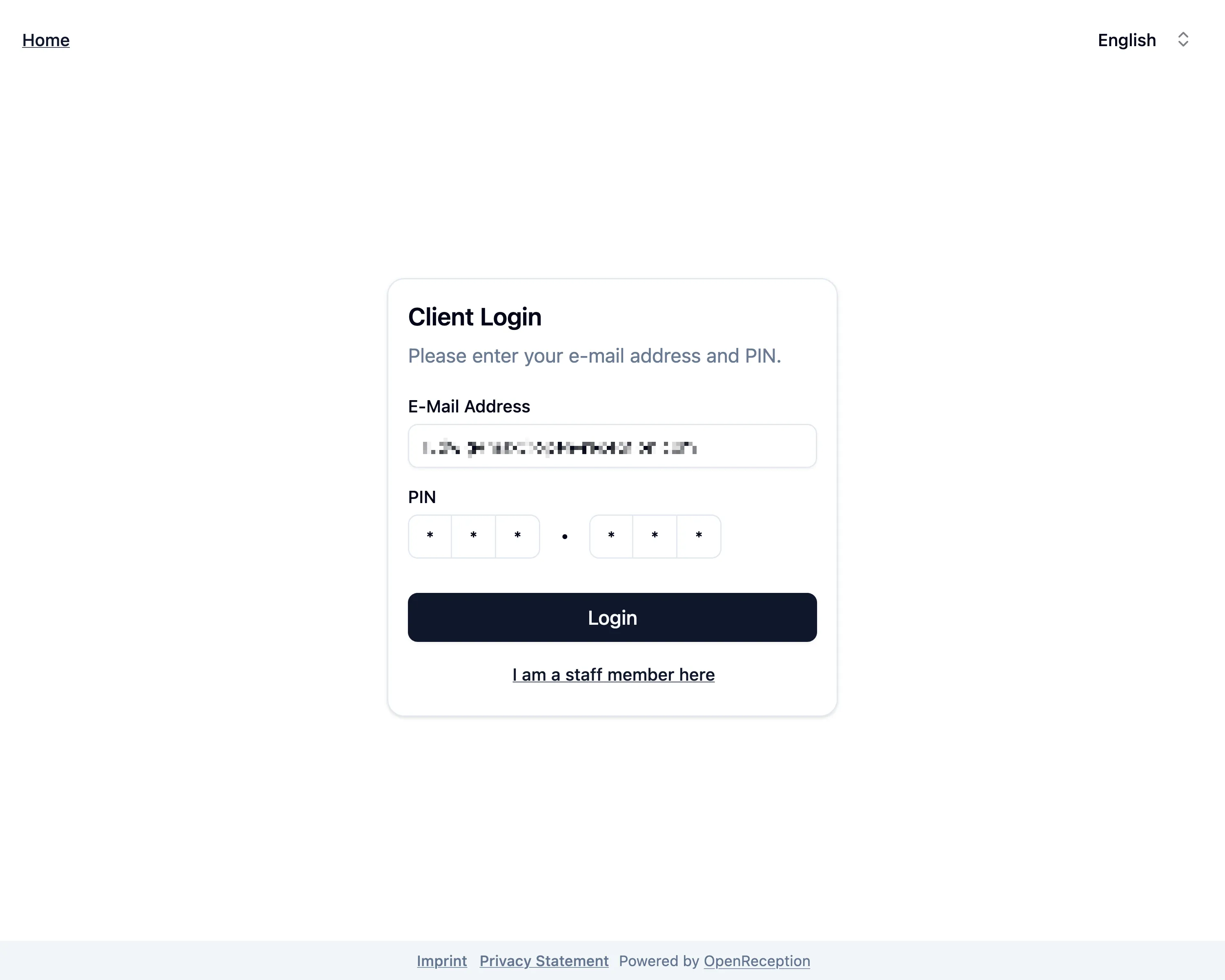
Enter your e-mail address and PIN. Click Login.
-
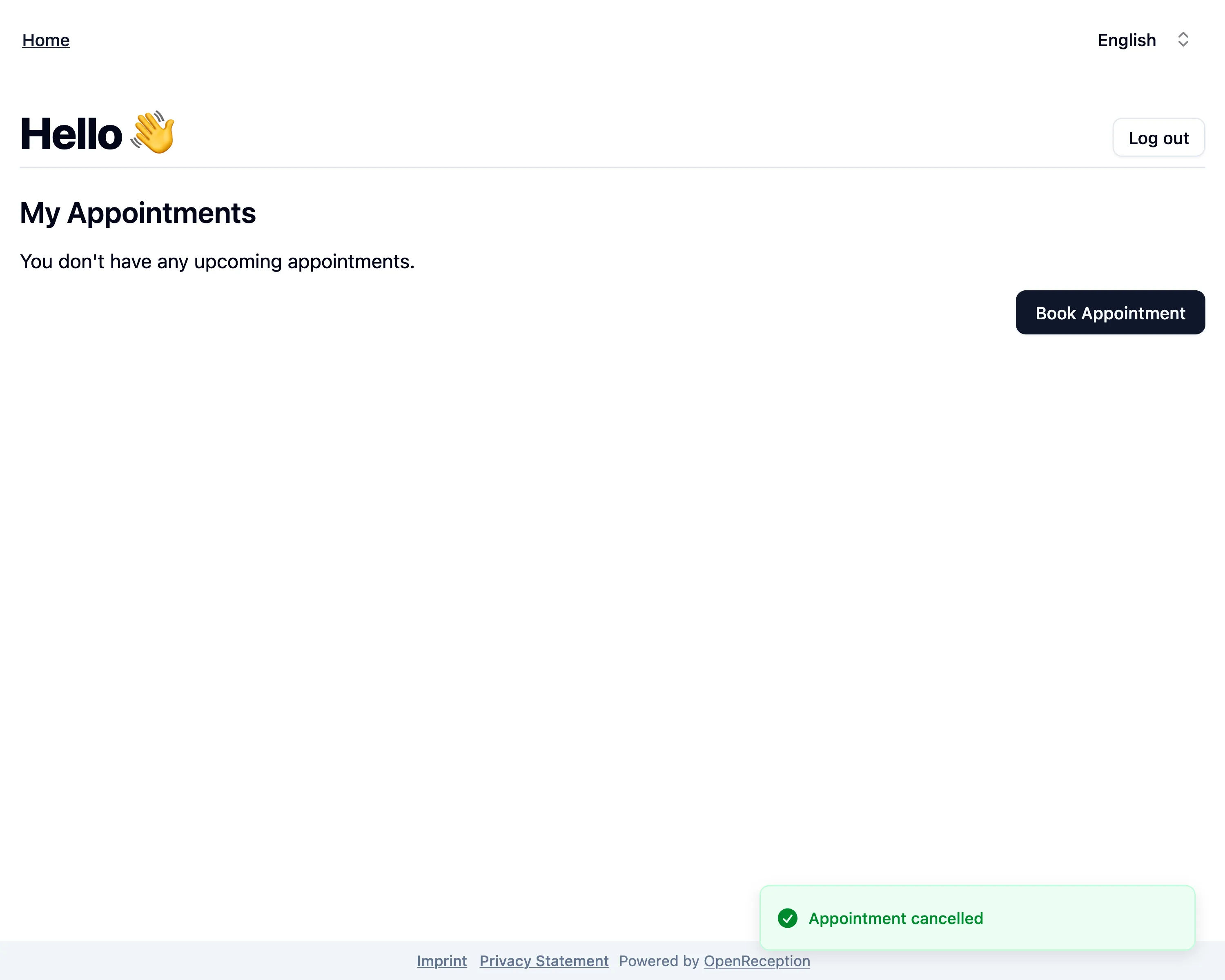
If you credential are correct, you will be forwarded to the client dashboard.
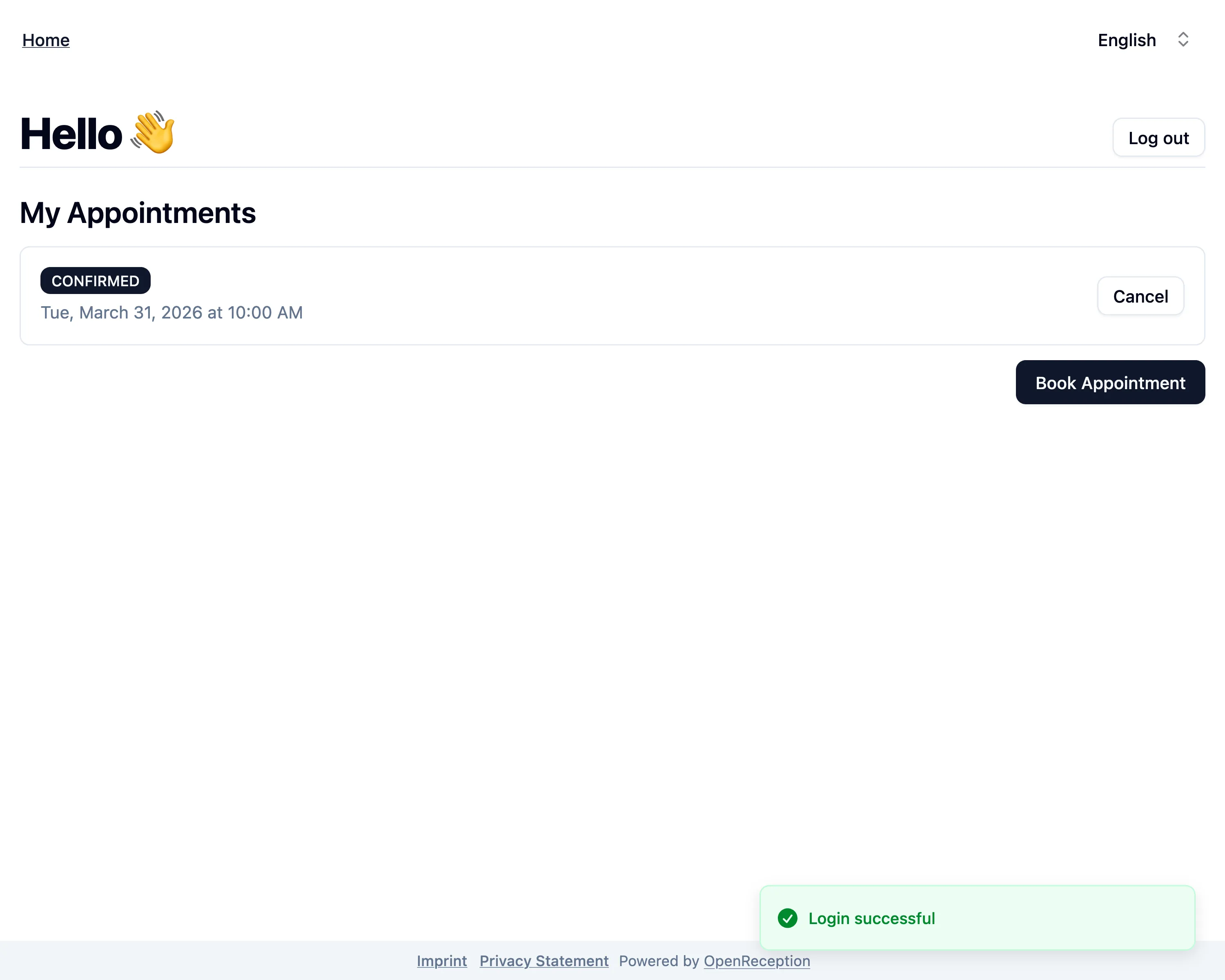
Dashboard Overview
Section titled “Dashboard Overview”On the client dashboard you will see all your future appointments.
You can also safely logout.
Cancel Appointment
Section titled “Cancel Appointment”You can cancel future appointments using the client dashboard.
-
Navigate to your client dashboard. Search for the appointment you want to cancel and click Cancel on it’s tile.
-
A modal will open. Click Cancel to confirm.
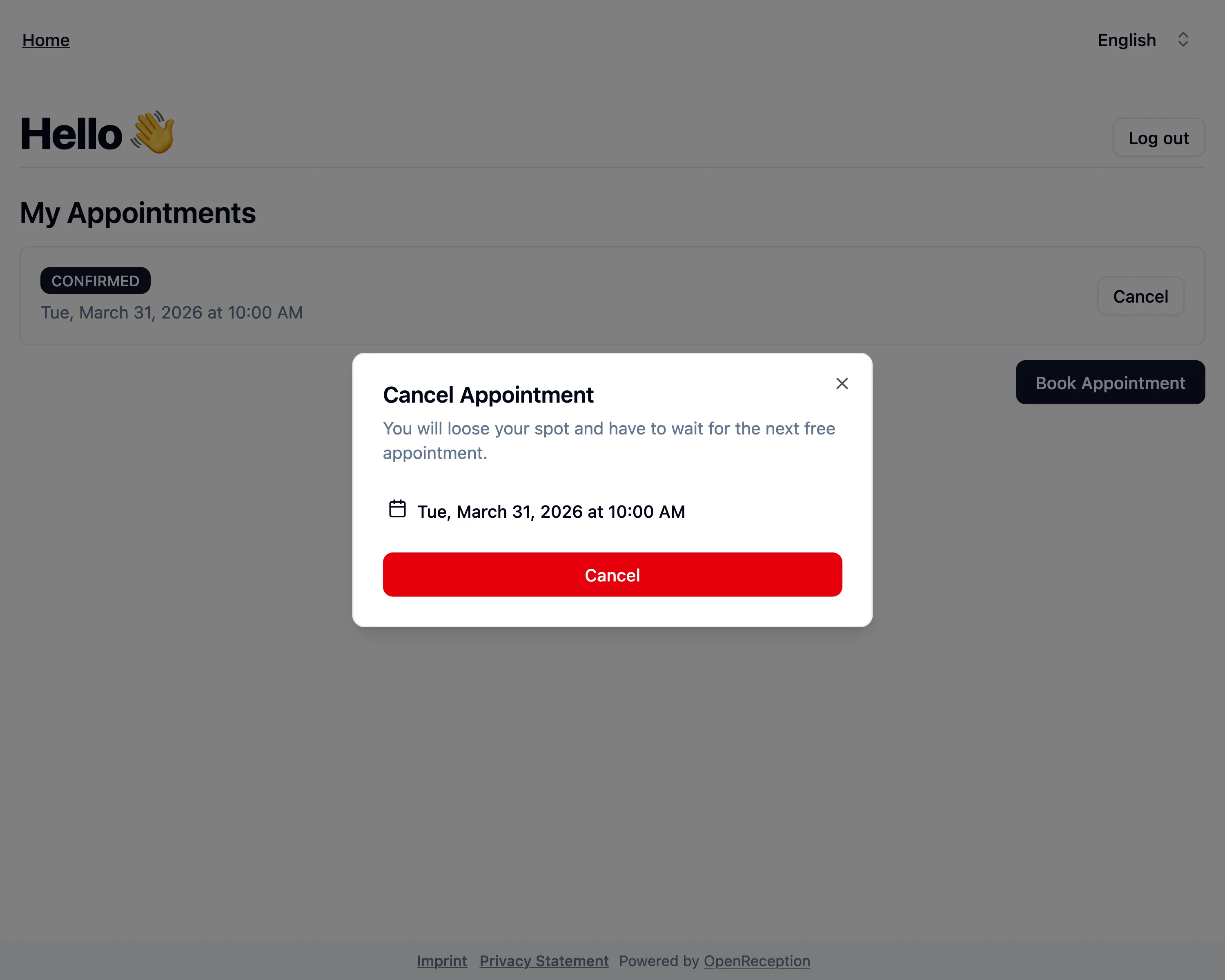
-
Your appointment is now cancelled and will be removed from the list.