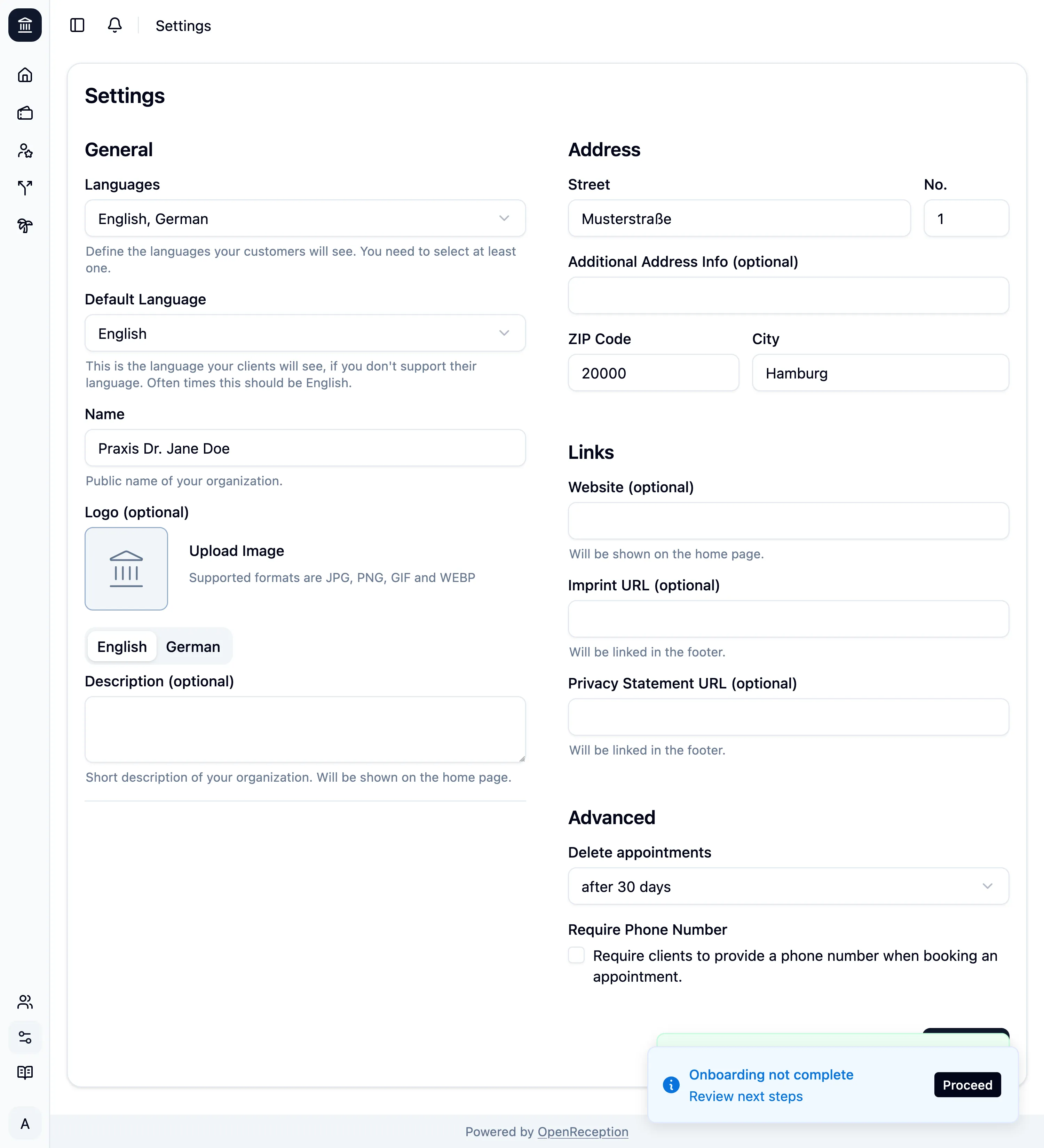
Tenant Base Settings
-
When you navigate to the settings section of the dashboard, you automatically see the settings form.
-
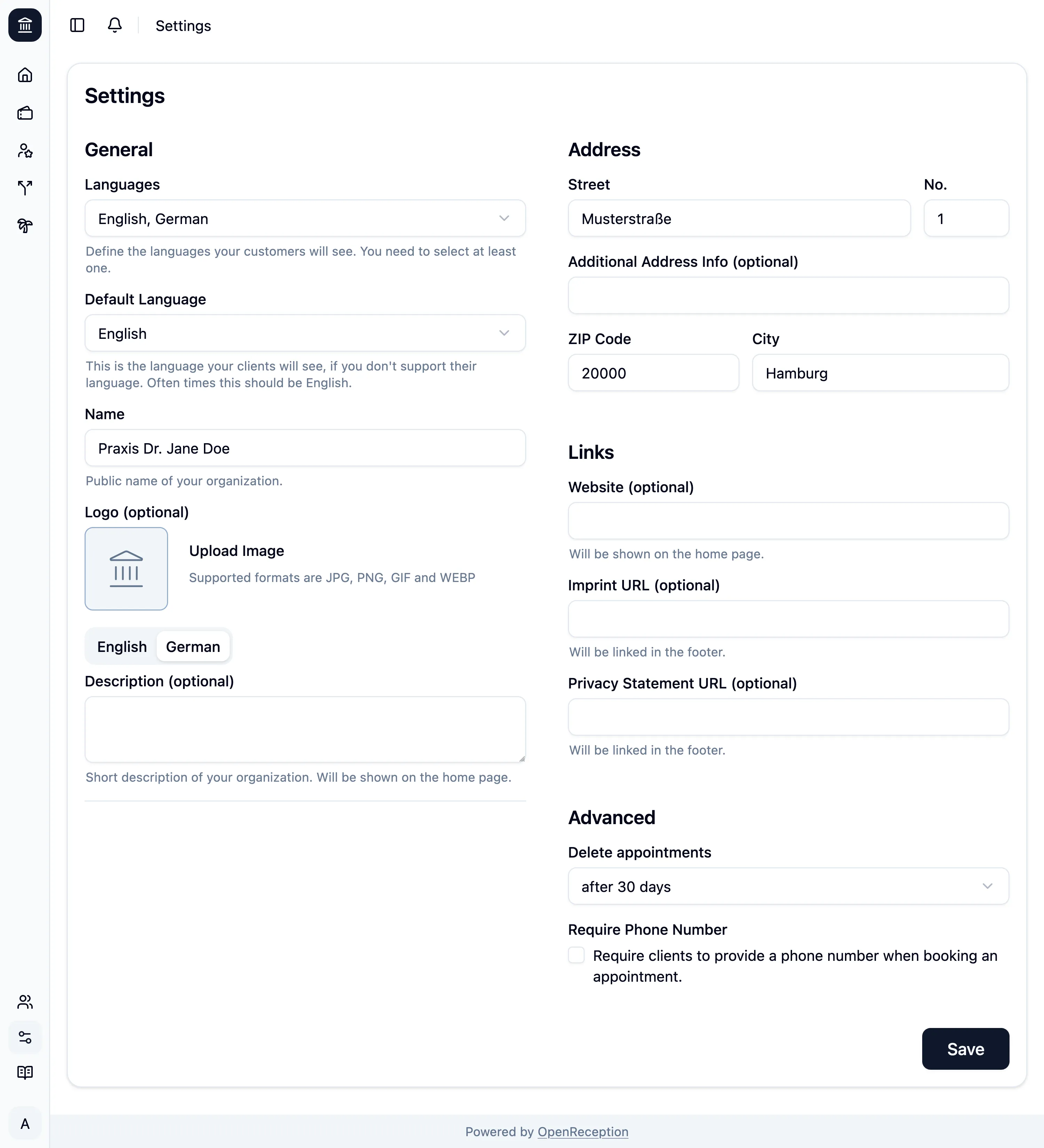
You can make the following basic settings for your public facing appointment booking page:
- Change the supported languages
- Set the default language
- Set the name of your organization
- Upload an image/ logo
- Add a description for your organization
- Add an address for your organization (it will appear in confirmation e-mails)
- Add links like website, imprint and privacy policy
- Define when past appointments should be deleted
- Require clients to add their phone number to the appointment
-
Click Save to apply your changes.
If you are currently onboarding your appointment booking page, you will see additional blue notifications that guide you through this process.