Notifications
The OpenReception notification system makes sure staff members are informed, if a client requests an appointment or appointments are cancelled.
Only staff members get notifications.
Notifications only exist within the OpenReception dashboard.
Subscribe to Notifications
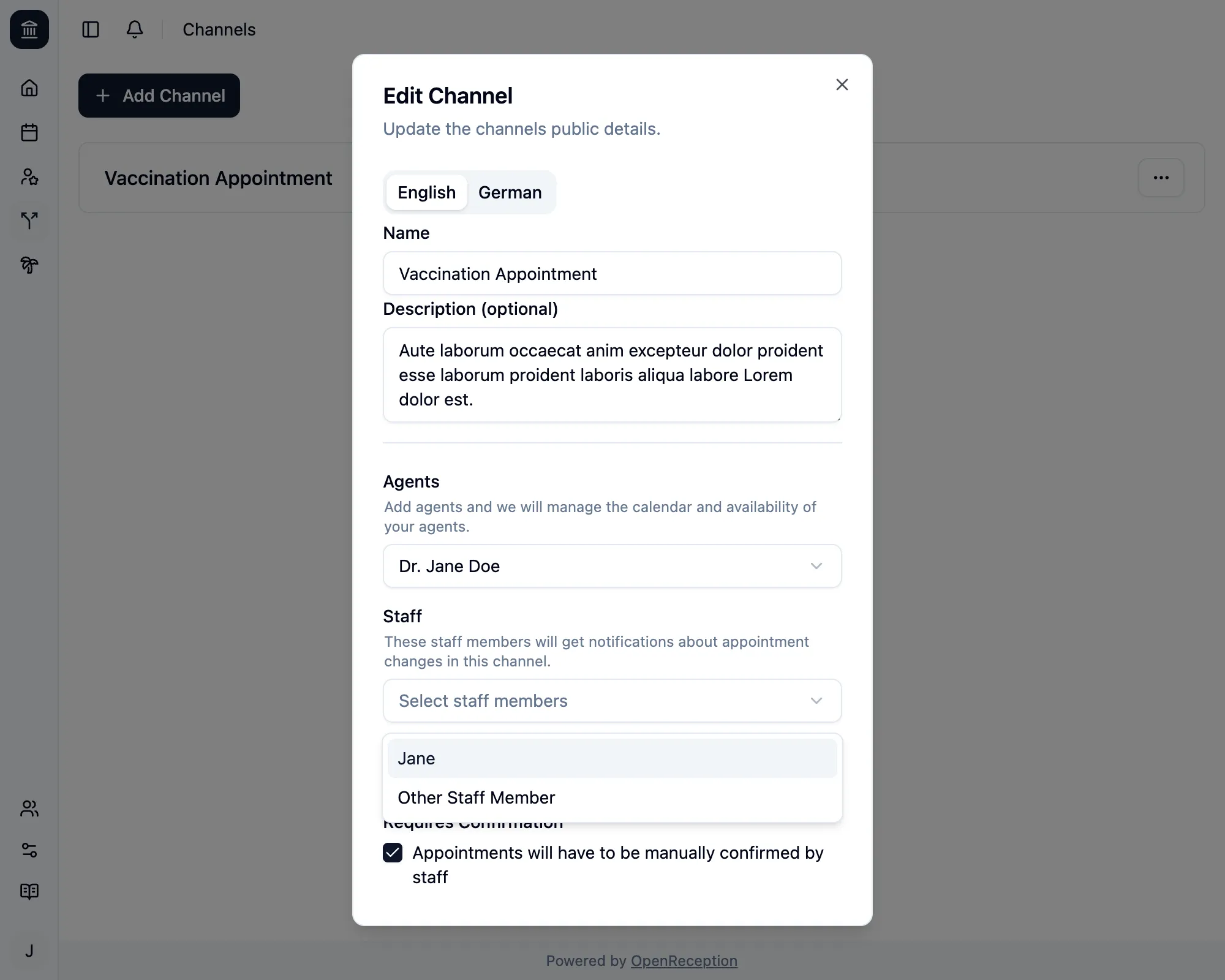
Section titled “Subscribe to Notifications”To get notifications you have to add the respective staff member to the channel.
Notification Badge
Section titled “Notification Badge”If you have notifications, a red badge will appear next to the bell-icon in the top left area of the dashboard page.
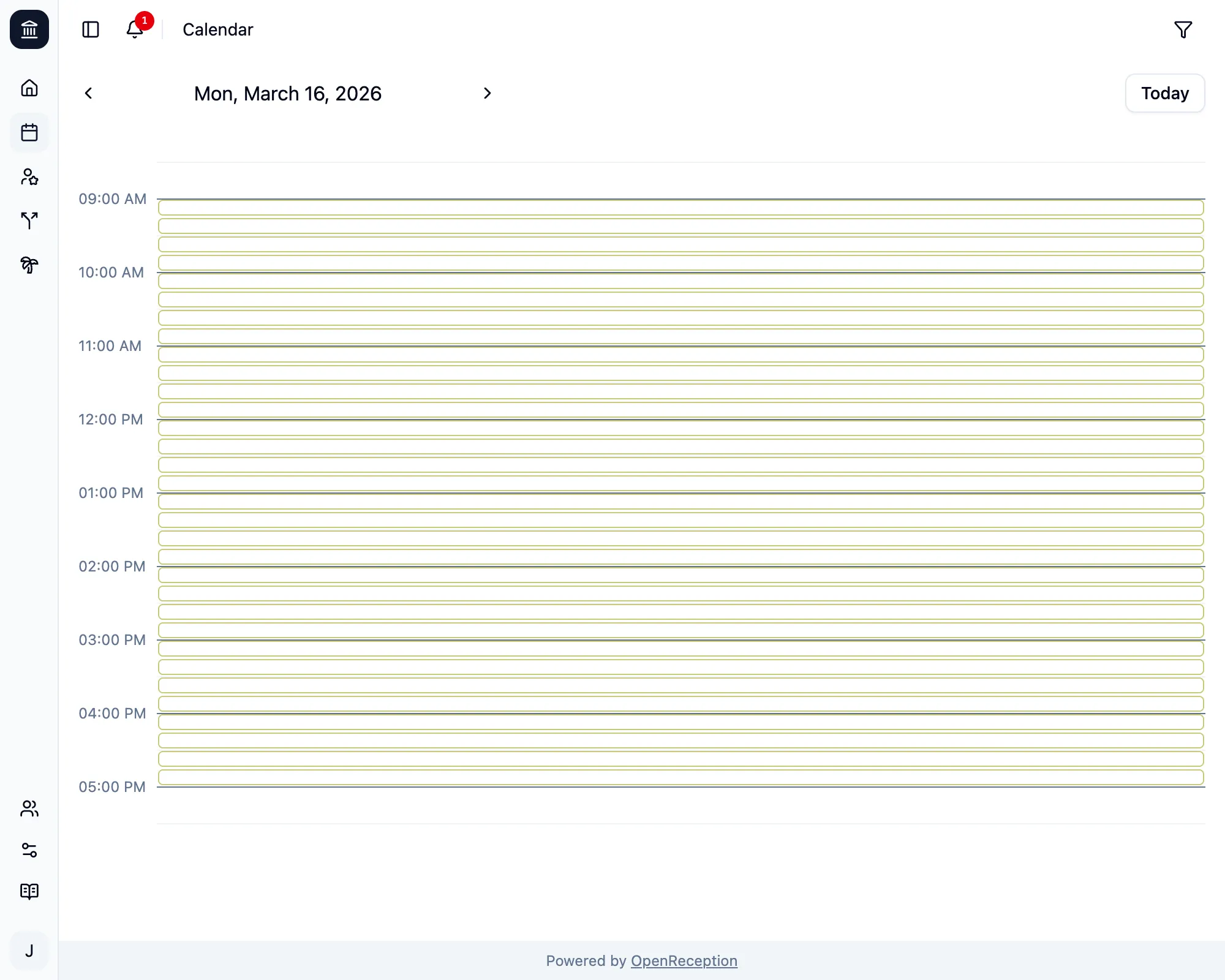
Clicking the bell-icon, will open the notification list.
- You can remove single notifications by clicking the checkmark icon at the right of the notification.
- You can remove all notifications by clicking the double-checkmark icon.
- You can close the notification list by clicking the cross icon.
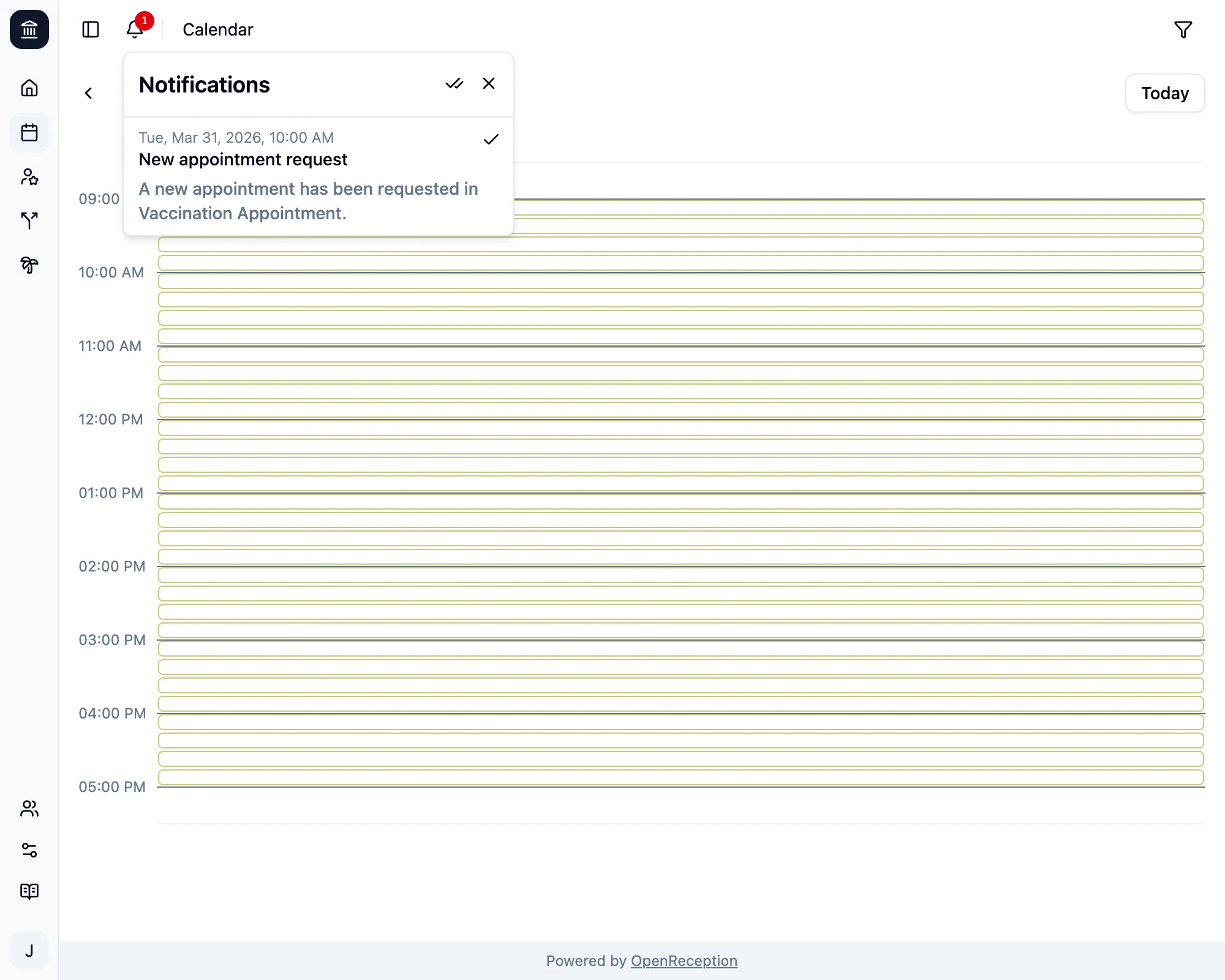
Some notifications allow you to click on them. You will be led to the respective page or appointment.