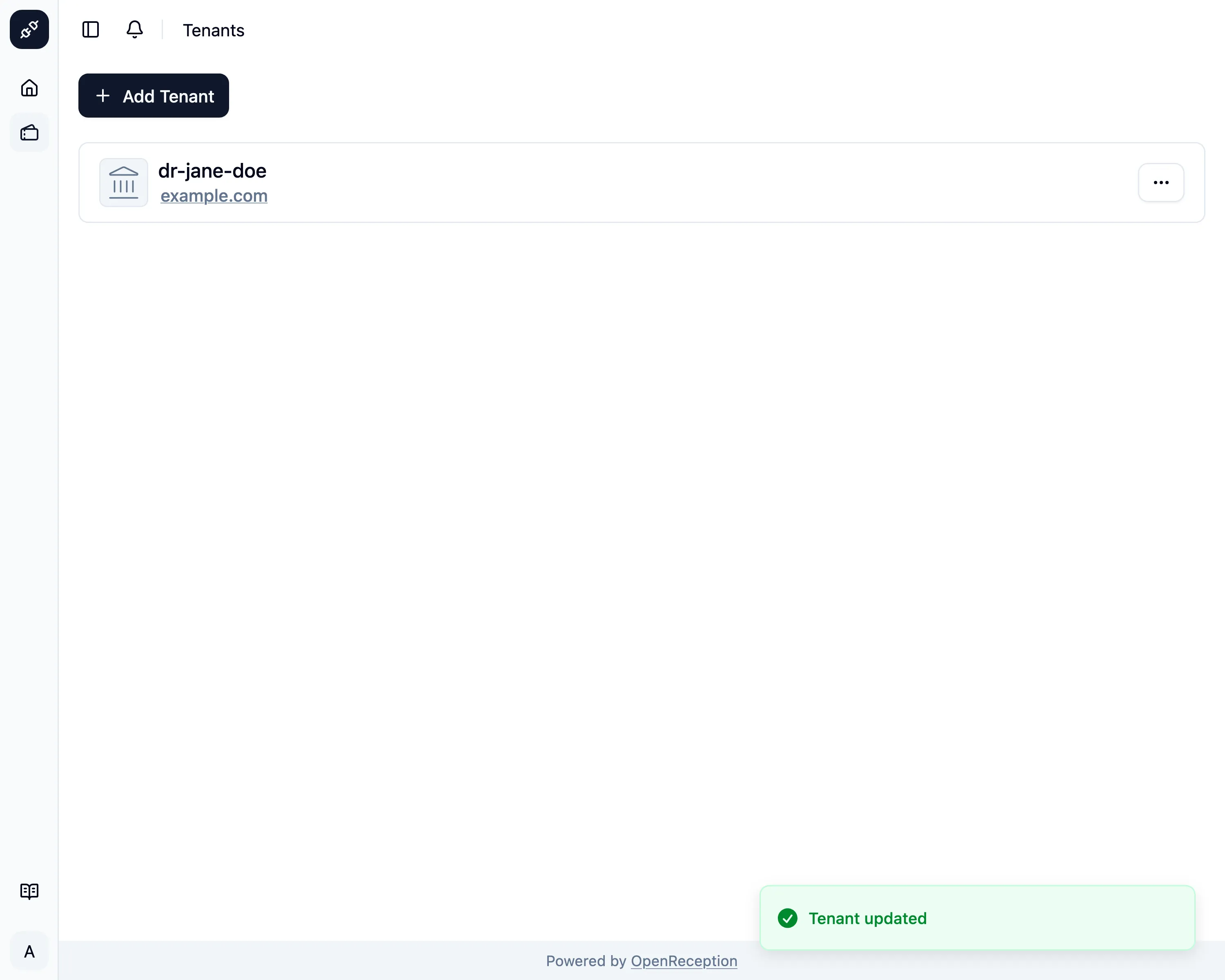
Edit Tenant
Management Feature
Editing a tenant is very limited as of now.
-
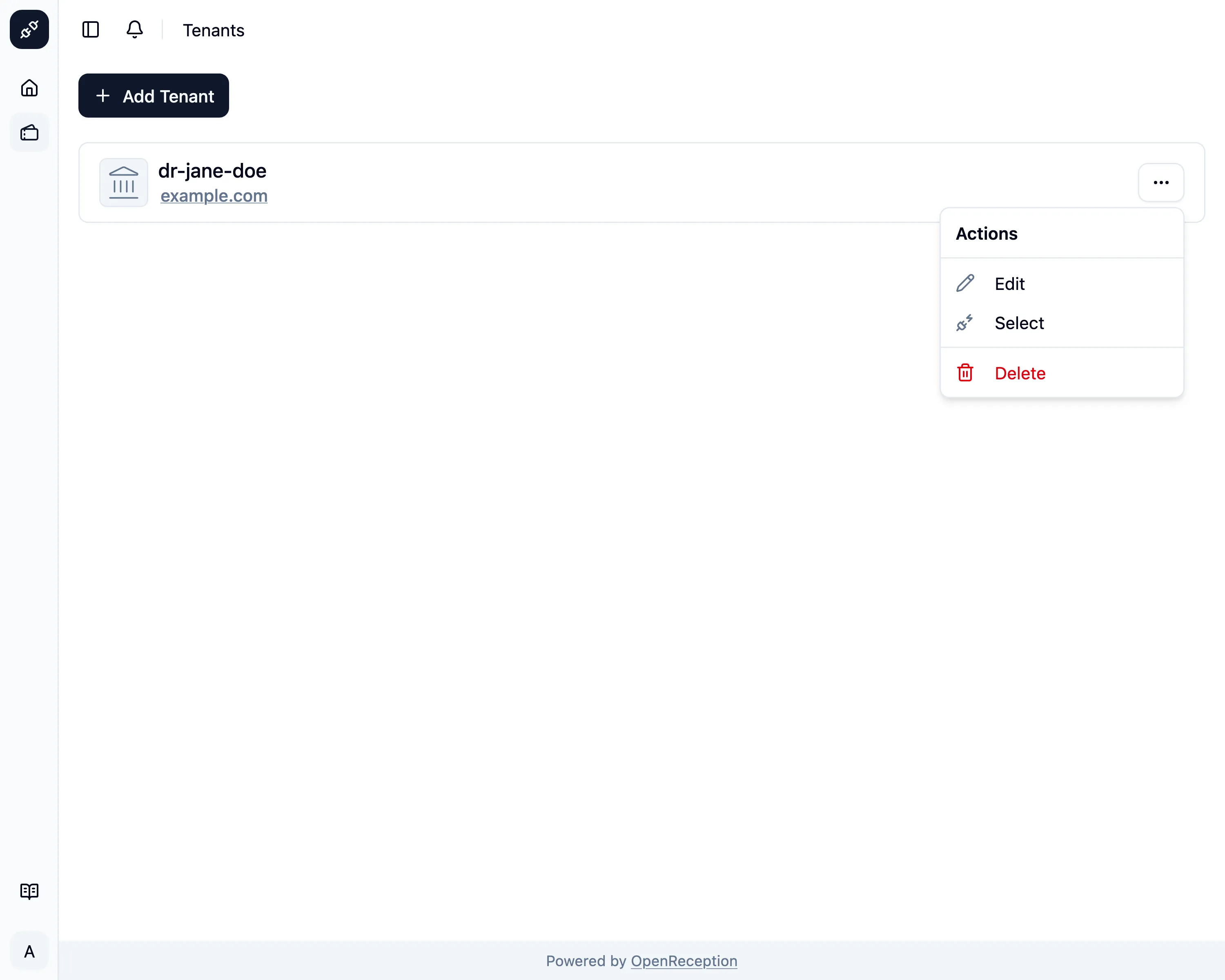
Navigate to the tenant section of the dashboard, search for the tenant you want to edit and open the context menu for it. Click on Edit.
-
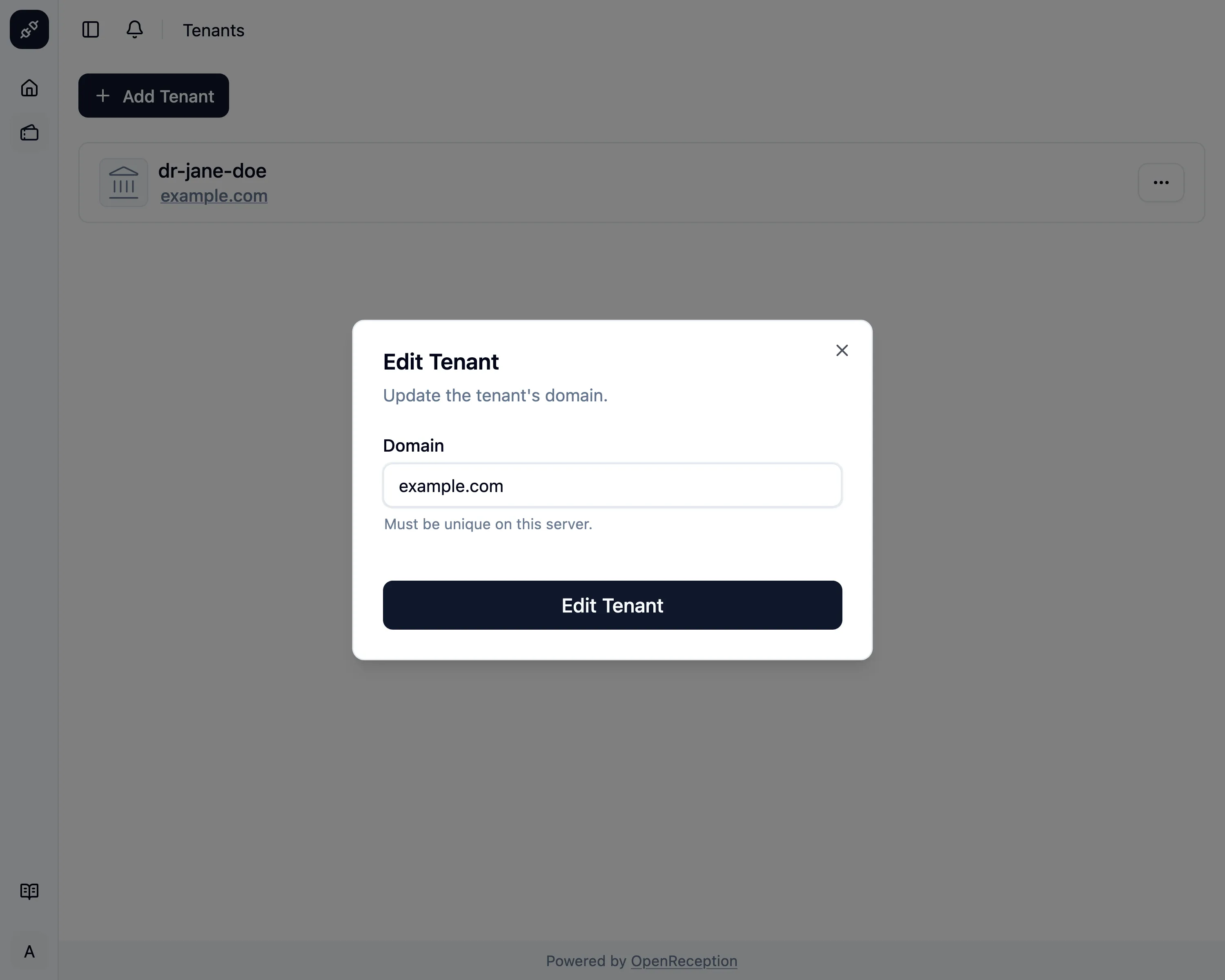
A modal with a form opens.
- Edit the domain. The new domain should already point to the IP or CNAME of this instance. If this is not the case, the appointment website for this tenant will be unavailable.
- Click Edit Tenant when you are finished.
-
The tenant will be updated.