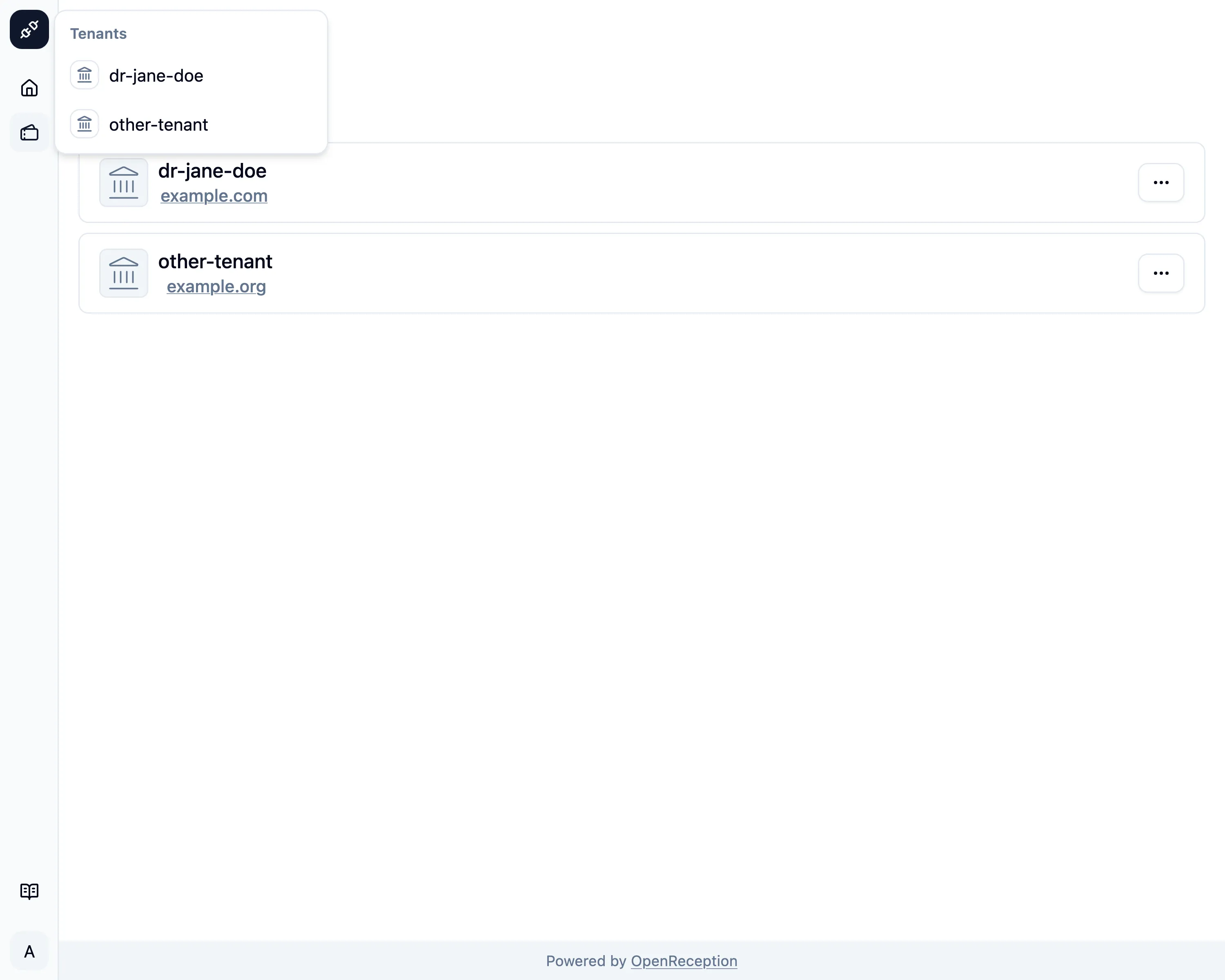
Select Tenant
Management Feature
Selecting a tenant is your way as a Global Admin to switch between tenants.
-
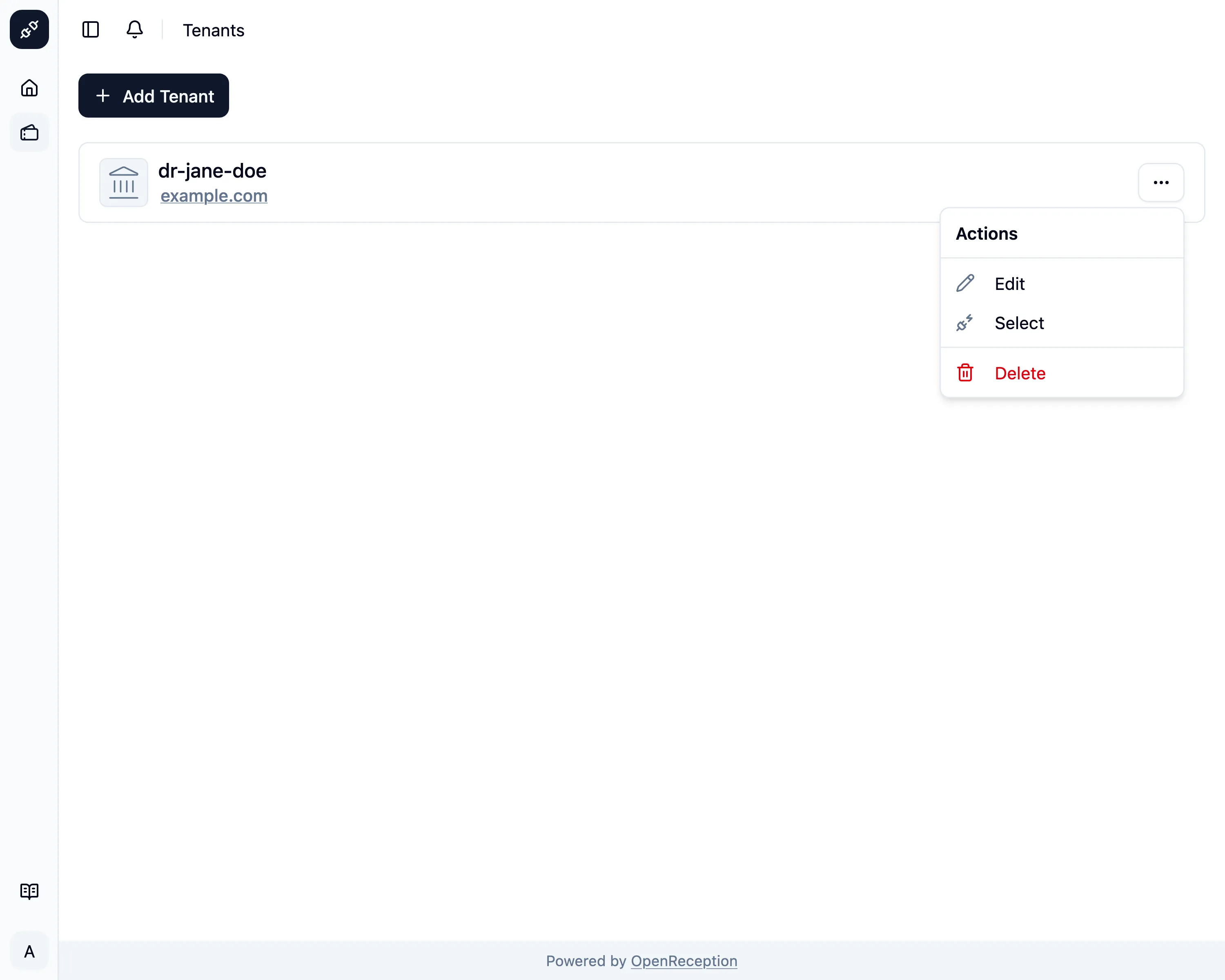
Navigate to the tenant section of the dashboard, search for the tenant you want to select and open the context menu for it. Click on Select.
-
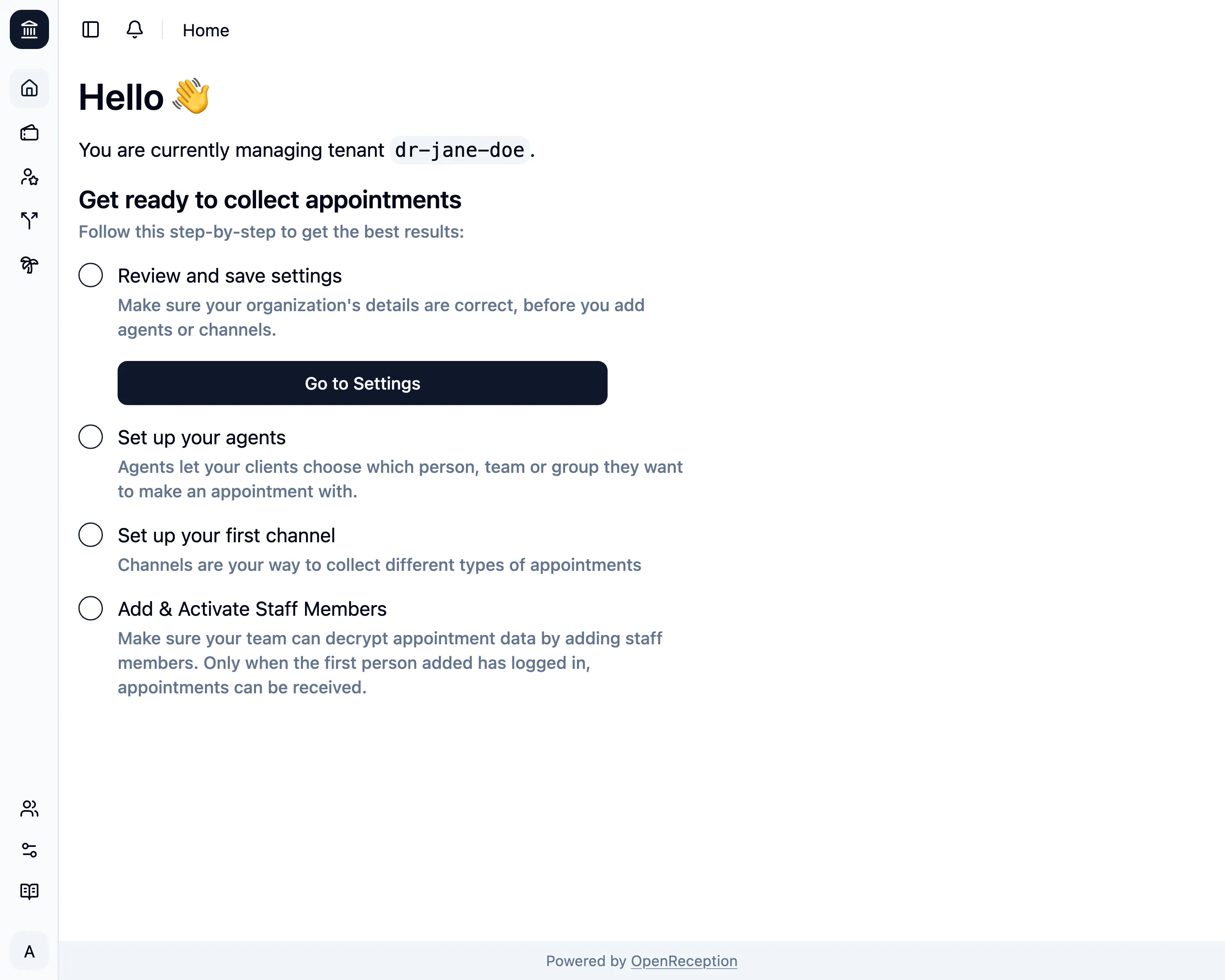
Once the selection is complete, you are forwarded to the dashboard for this tenant. In this case it’s a fresh tenant, that still needs to be set up. It’s an onboarding guide to help you get this tenant ready.
You can also select tenants from the top left selection, if you have more than one.