
Login
This step-by-step guide shows you how to login into the OpenReception dashboard.
-
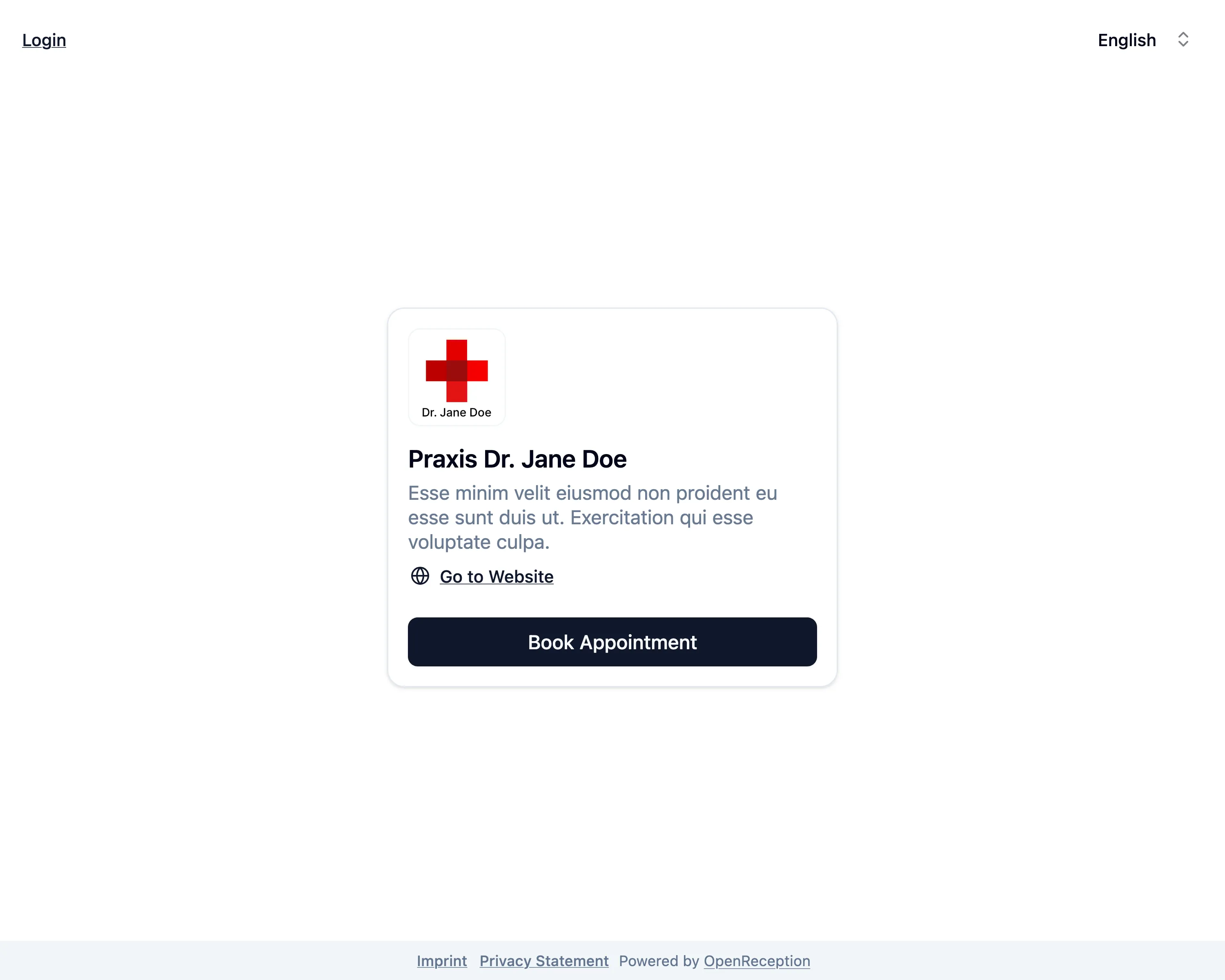
Go to your organizations appointment booking page. Click Login in the top left corner.
-
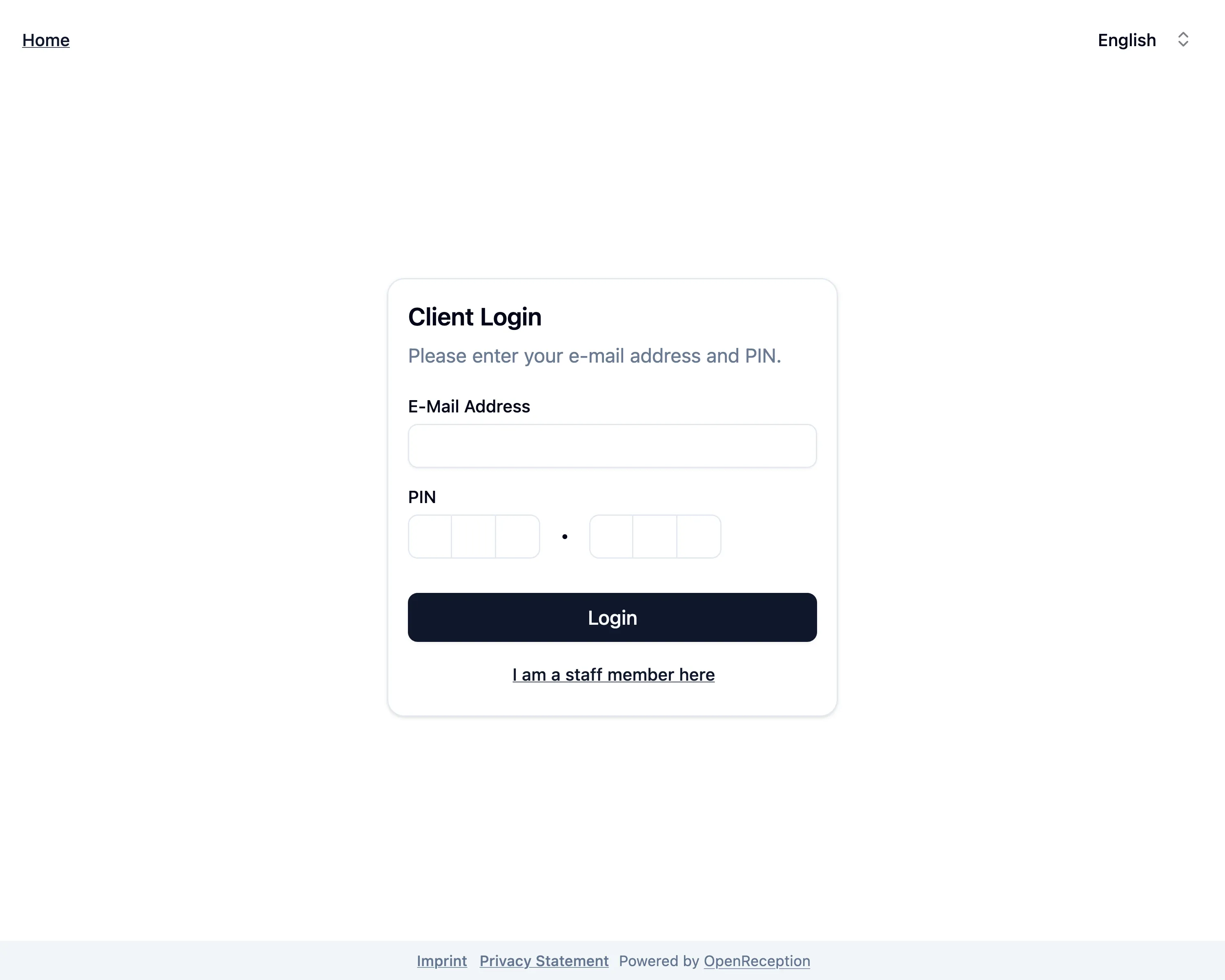
You’ve been forwarded to the client login. Click I am a staff member here.
-
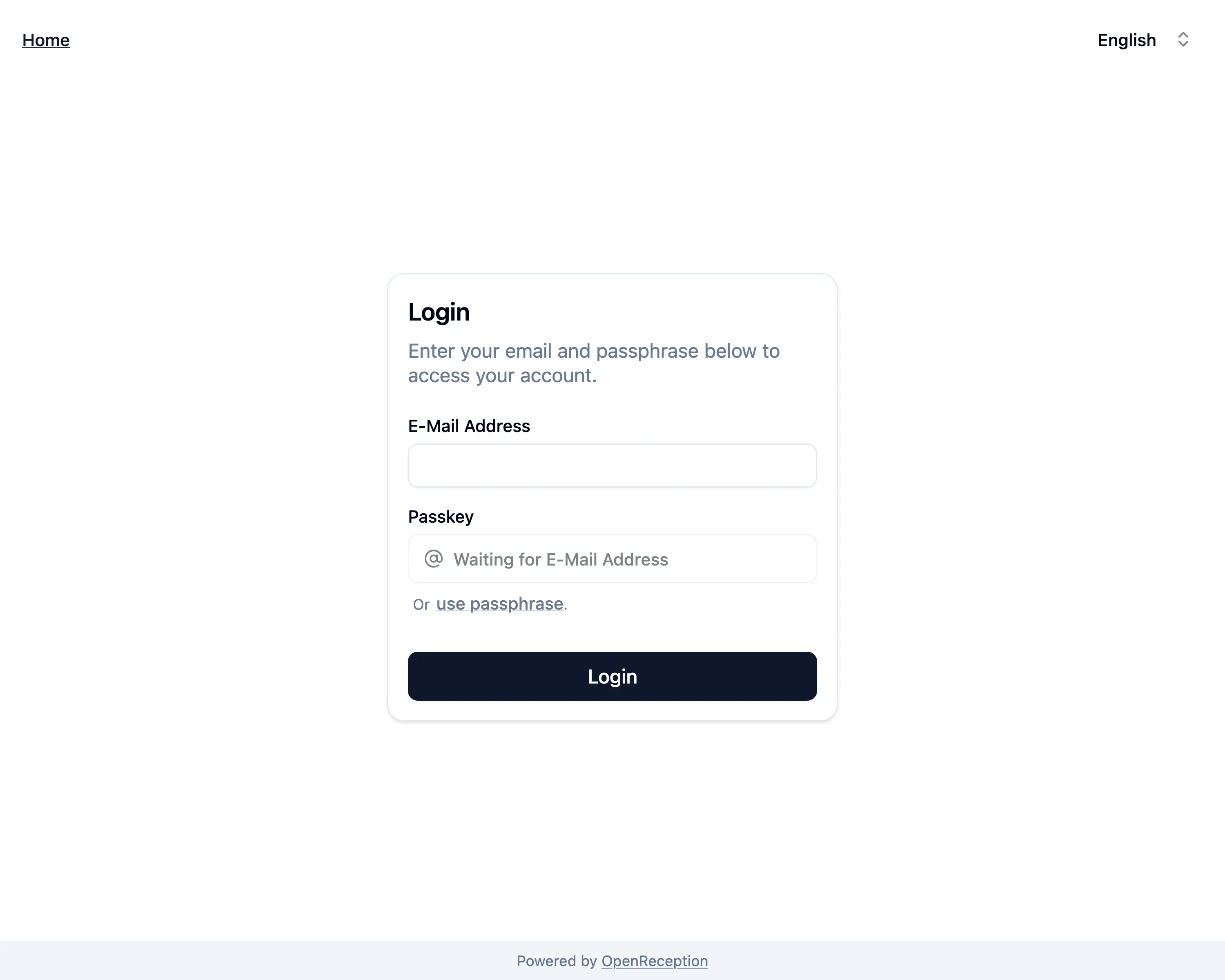
Now you are on the dashboard login page.
-
Enter your e-mail address
-
Click/Tap to add passkey and follow the instructions in the system overlay to enter your passkey.
-
Once this is done, we will automatically try to login you in. If successfull, you are now forwarded to the dashboard.