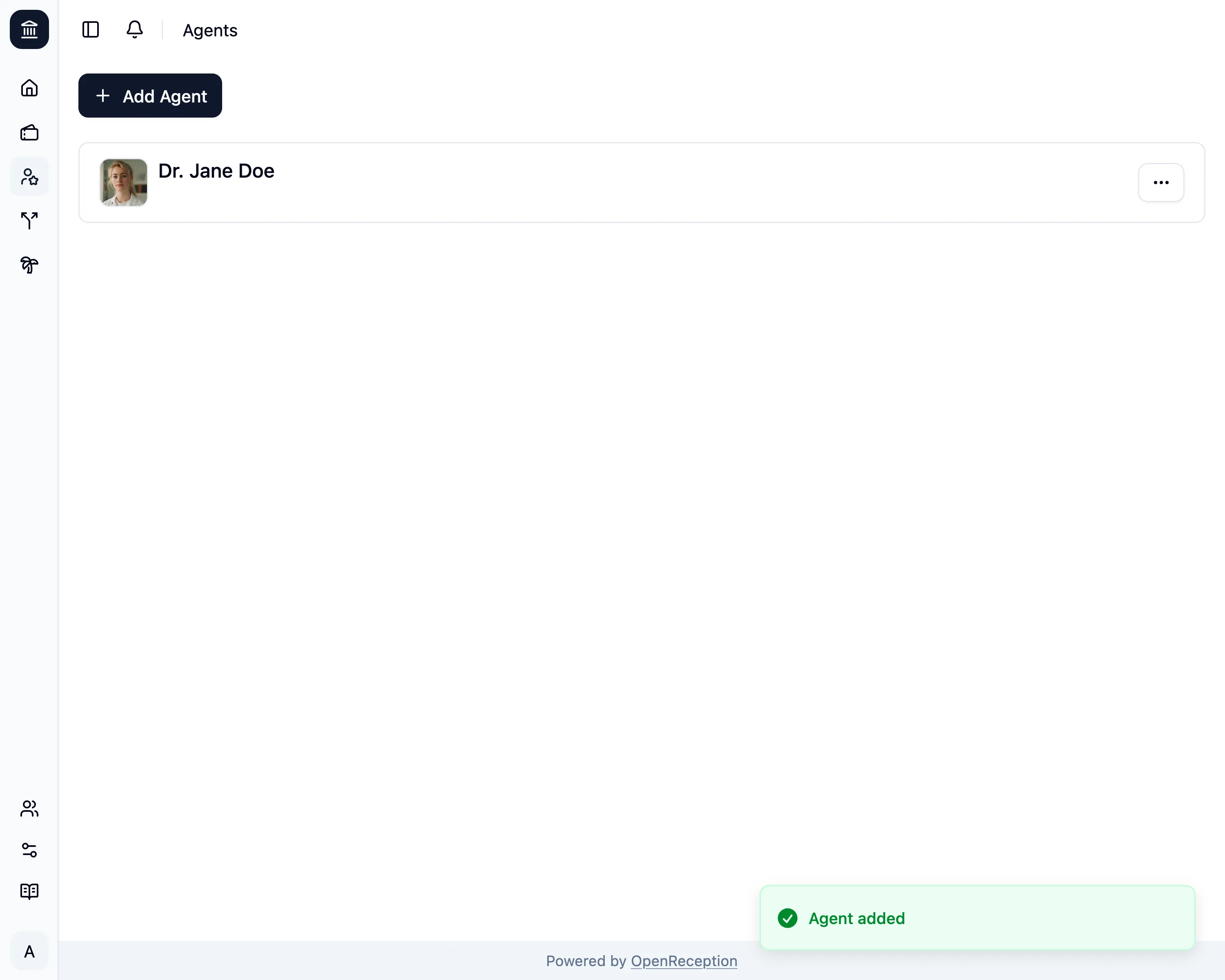
Add Agent
-
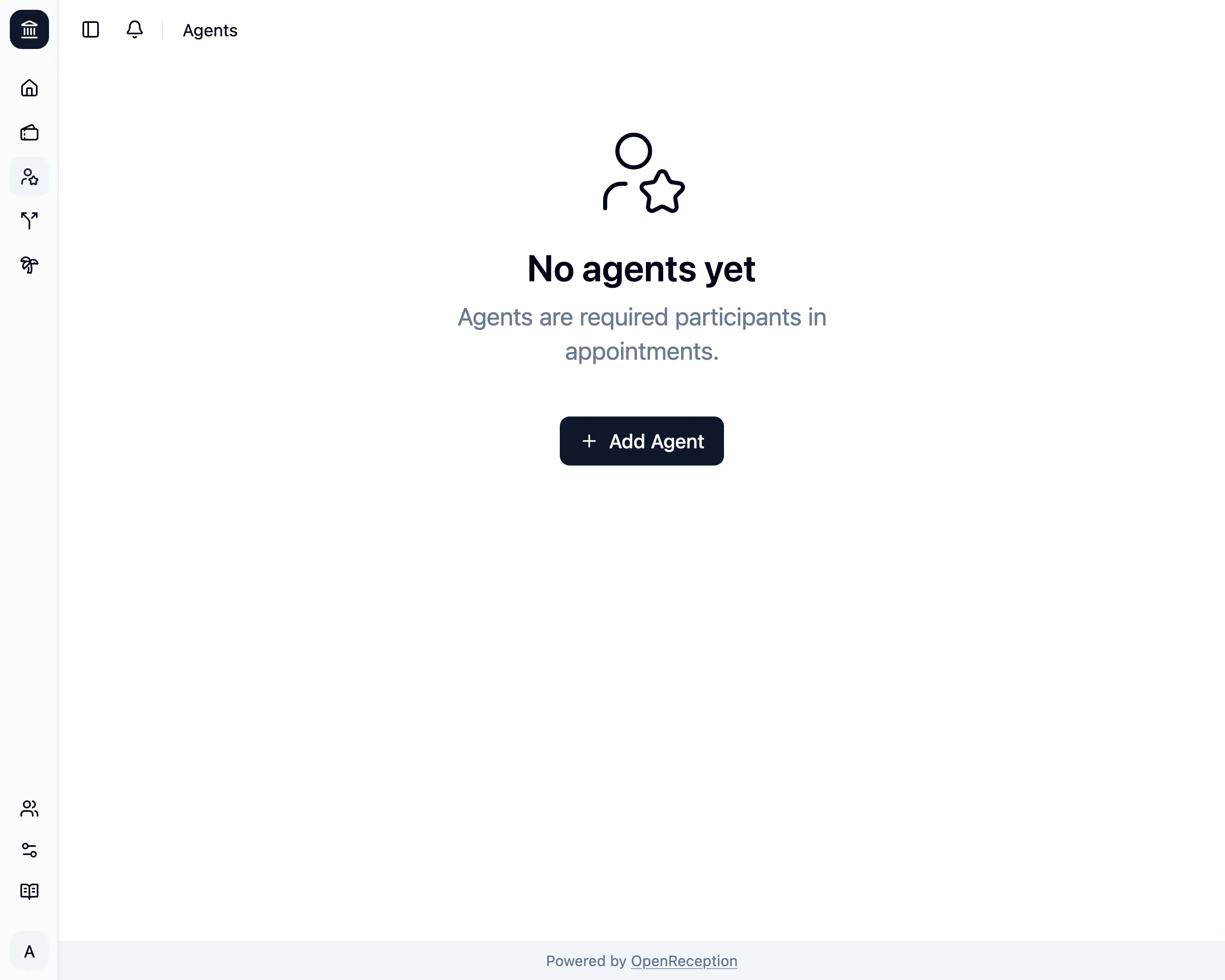
Navigate to the agents section of the dashboard and click on Add Agent
-
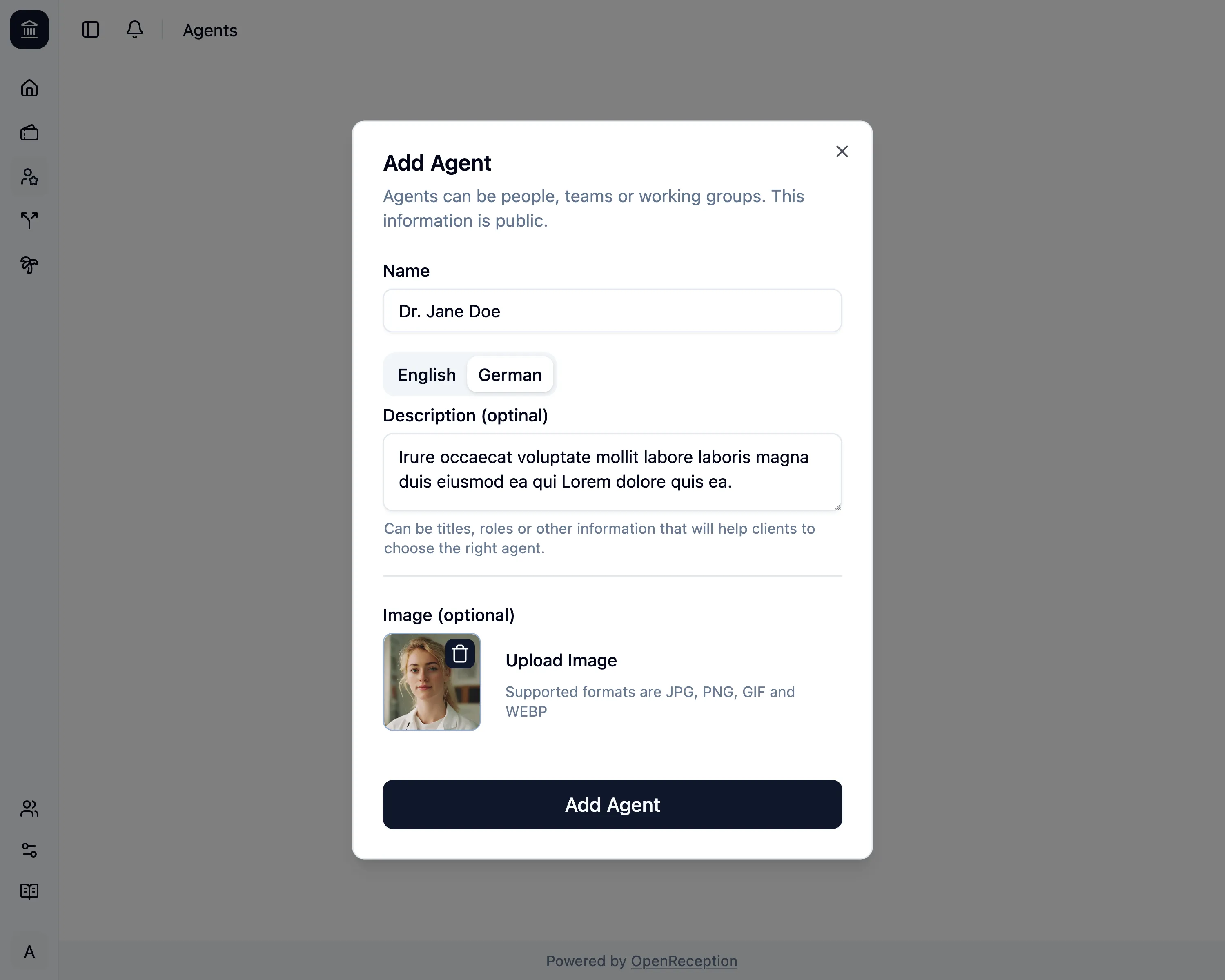
A modal with a form opens.
- Add a name
- Add a description, if you want. If you’ve set it for one language, you’ll have to set it for all languages.
- Click Upload Image to add an image for this agent.
-
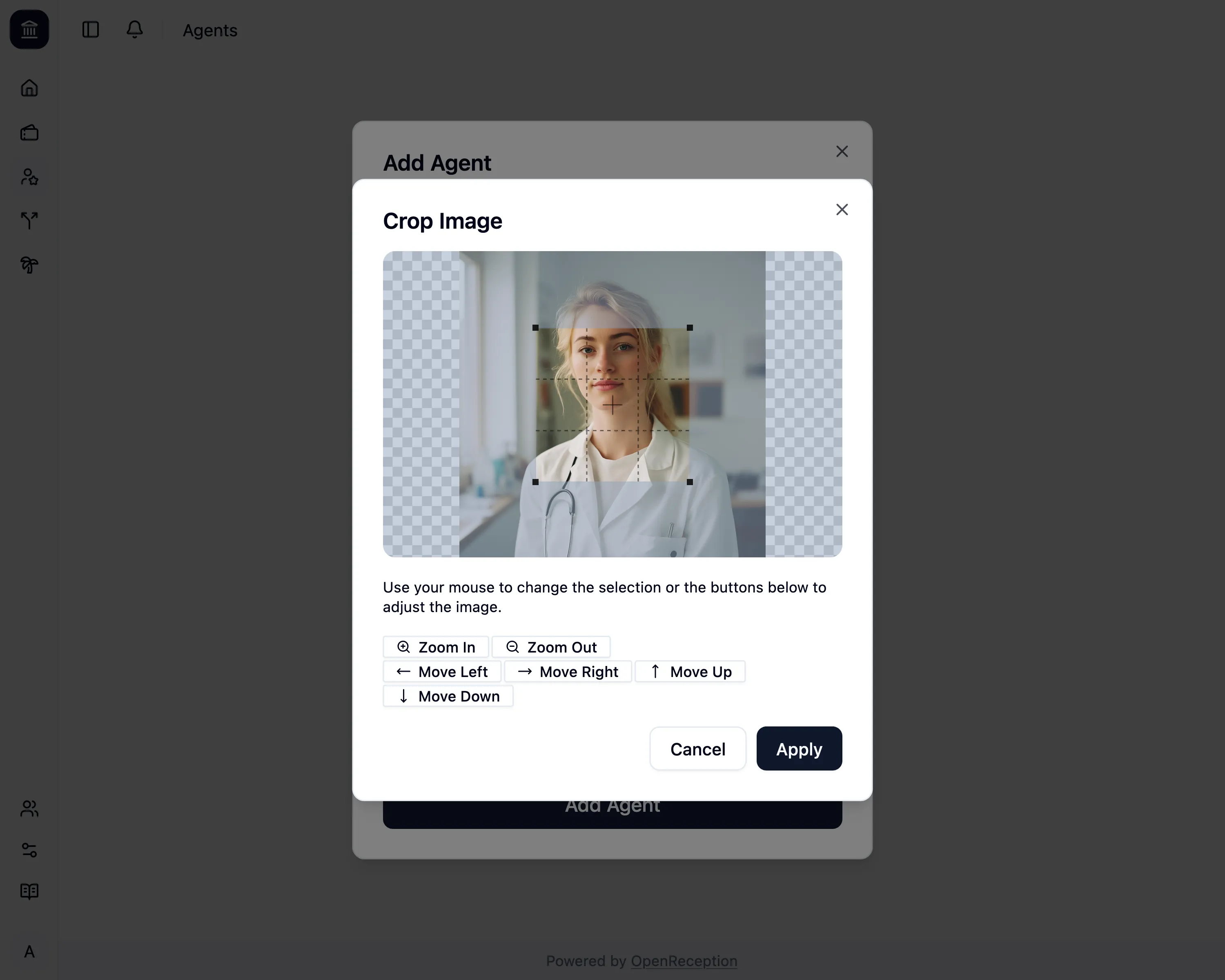
If you’ve uploaded an image, you can crop it right within OpenReception. Click Apply, when you’re happy with your selection.
-
Then click Add Agent and it will be saved.