
Confirm Appointment
If you’ve set a channel to require confirmation before appointments are accepted, you have to confirm or deny them.
-
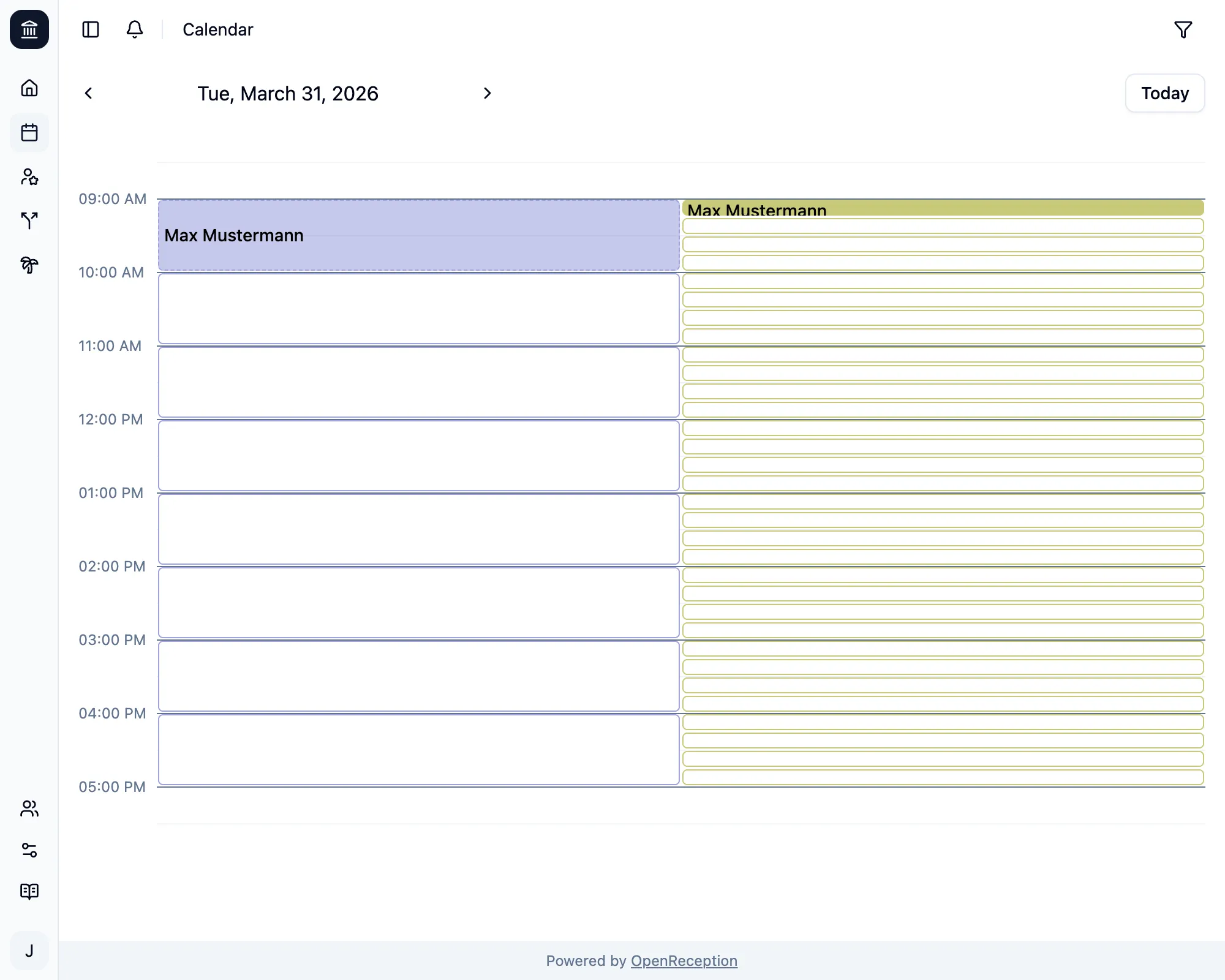
Navigate to the calendar section of the dashboard, go to the appointment you wish to confirm and click on it.
-
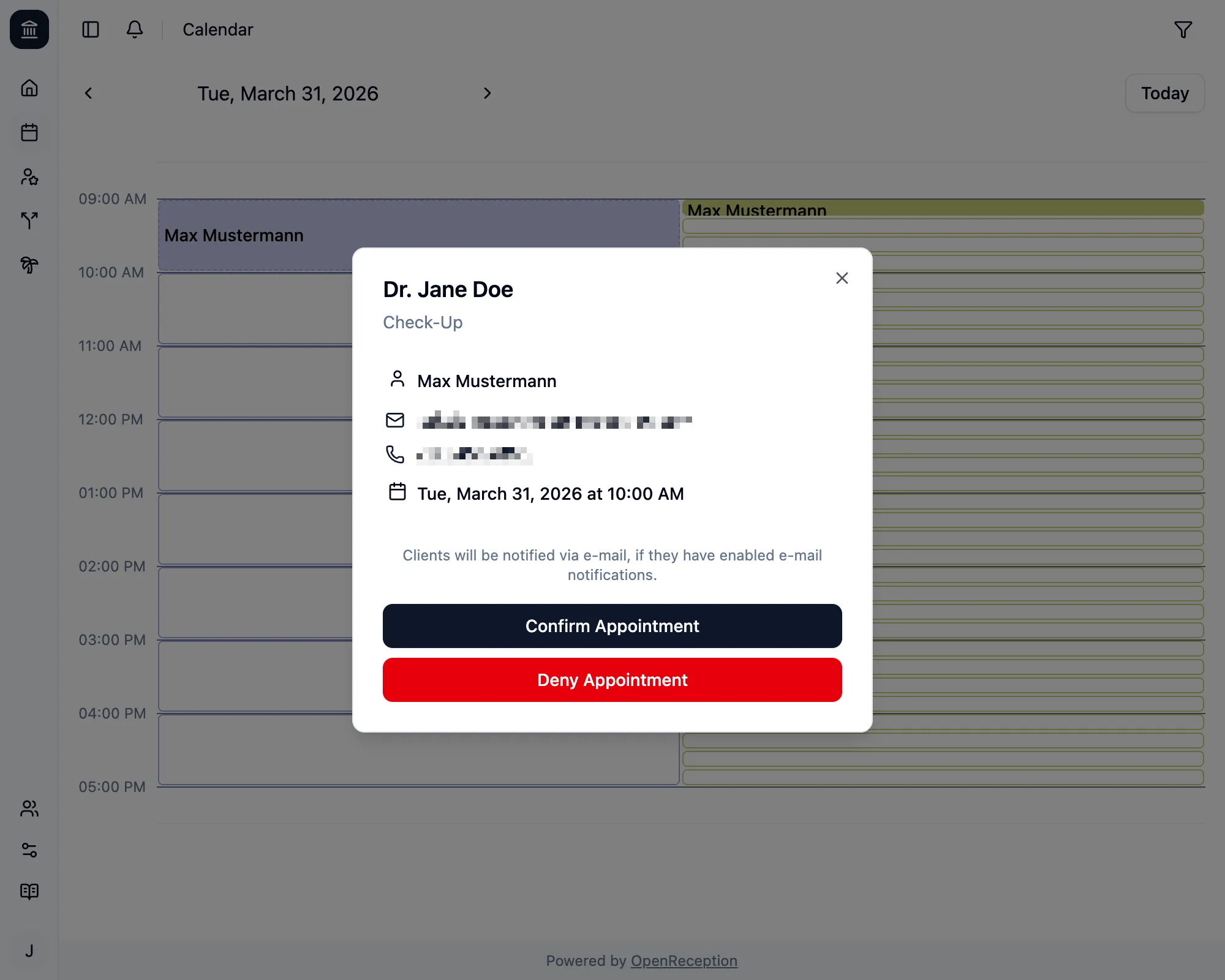
A modal with the appointment details opens. Click Confirm Appointment
-
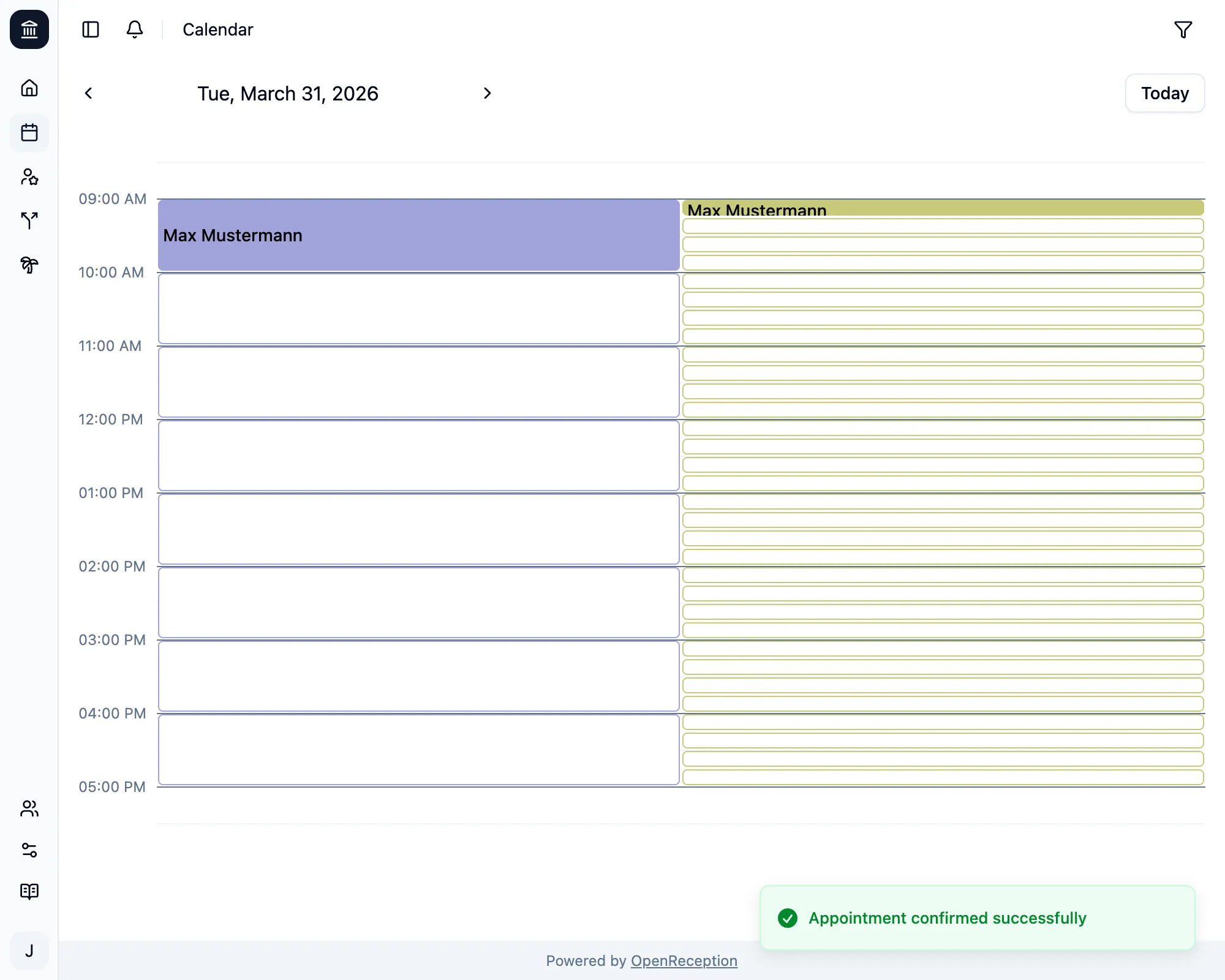
The appointment is now confirmed. If the client had E-Mail notifications enabled, they wil be notified.
Every staff member in the channel will be notified.