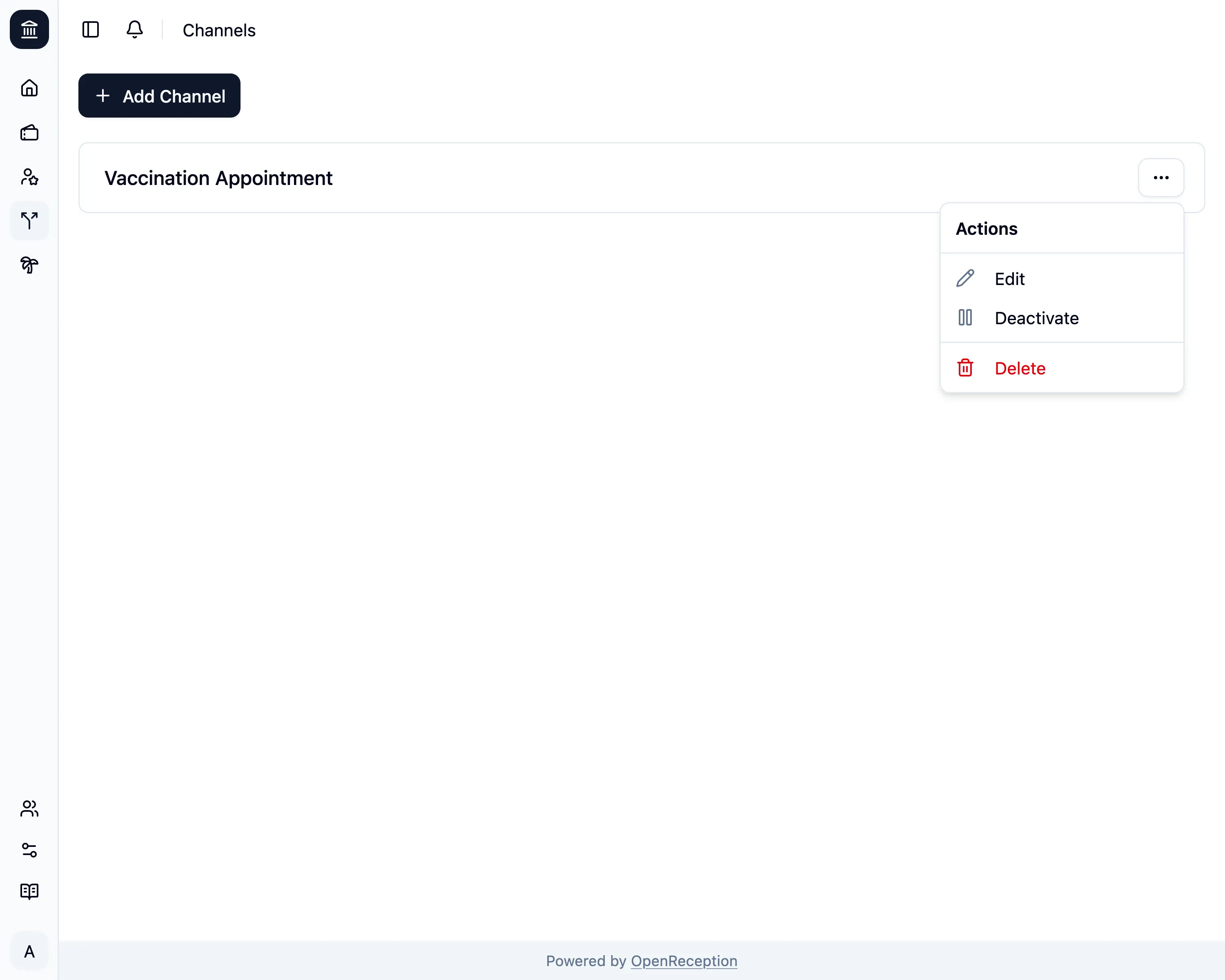
Deactivate/Activate Channel
If you don’t want to accept new appointments in a channel, you can deactivate it.
-
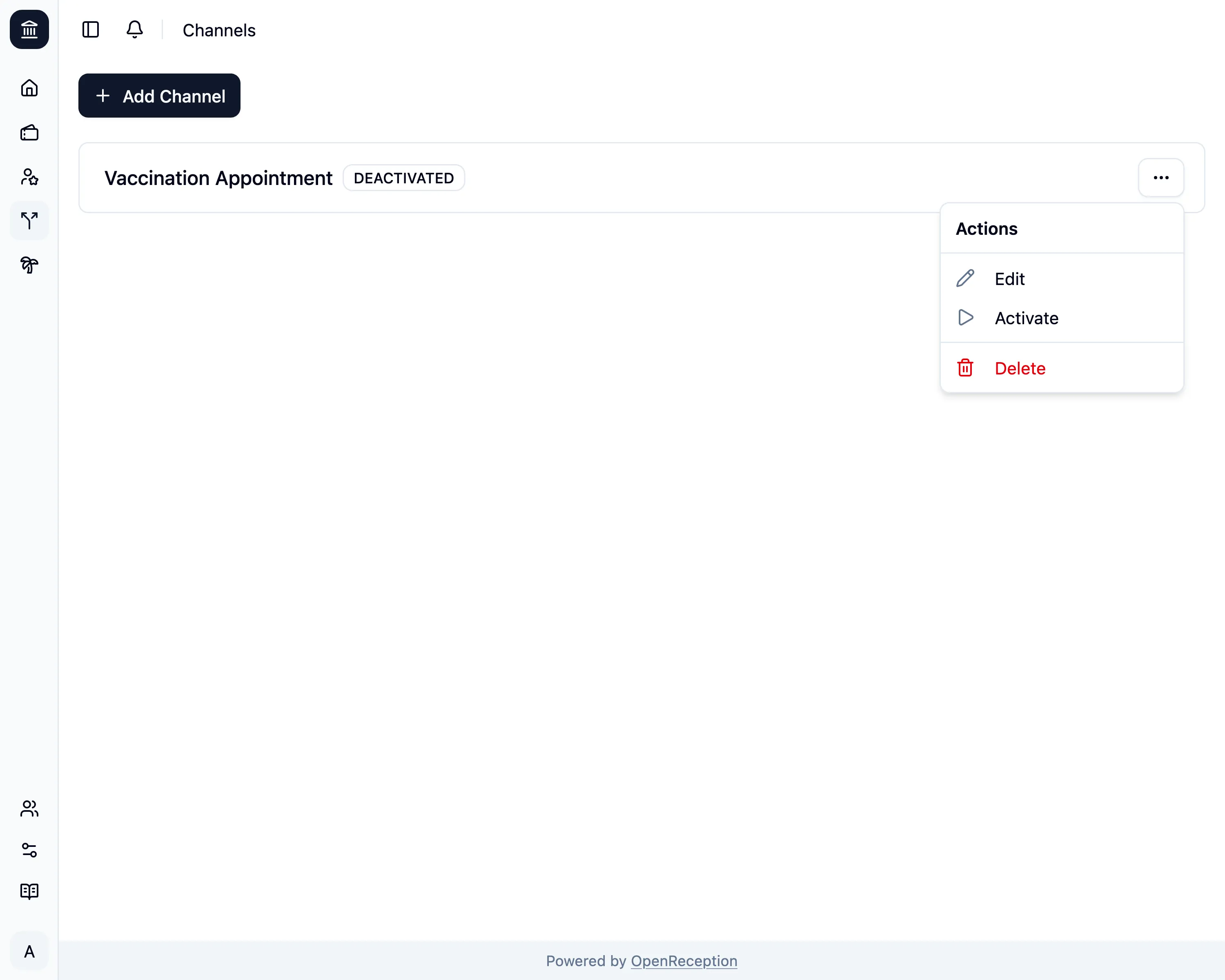
Navigate to the channels section of the dashboard, search for the channel you want to activate/deactivate and open the context menu for it. Click on Activate.
-
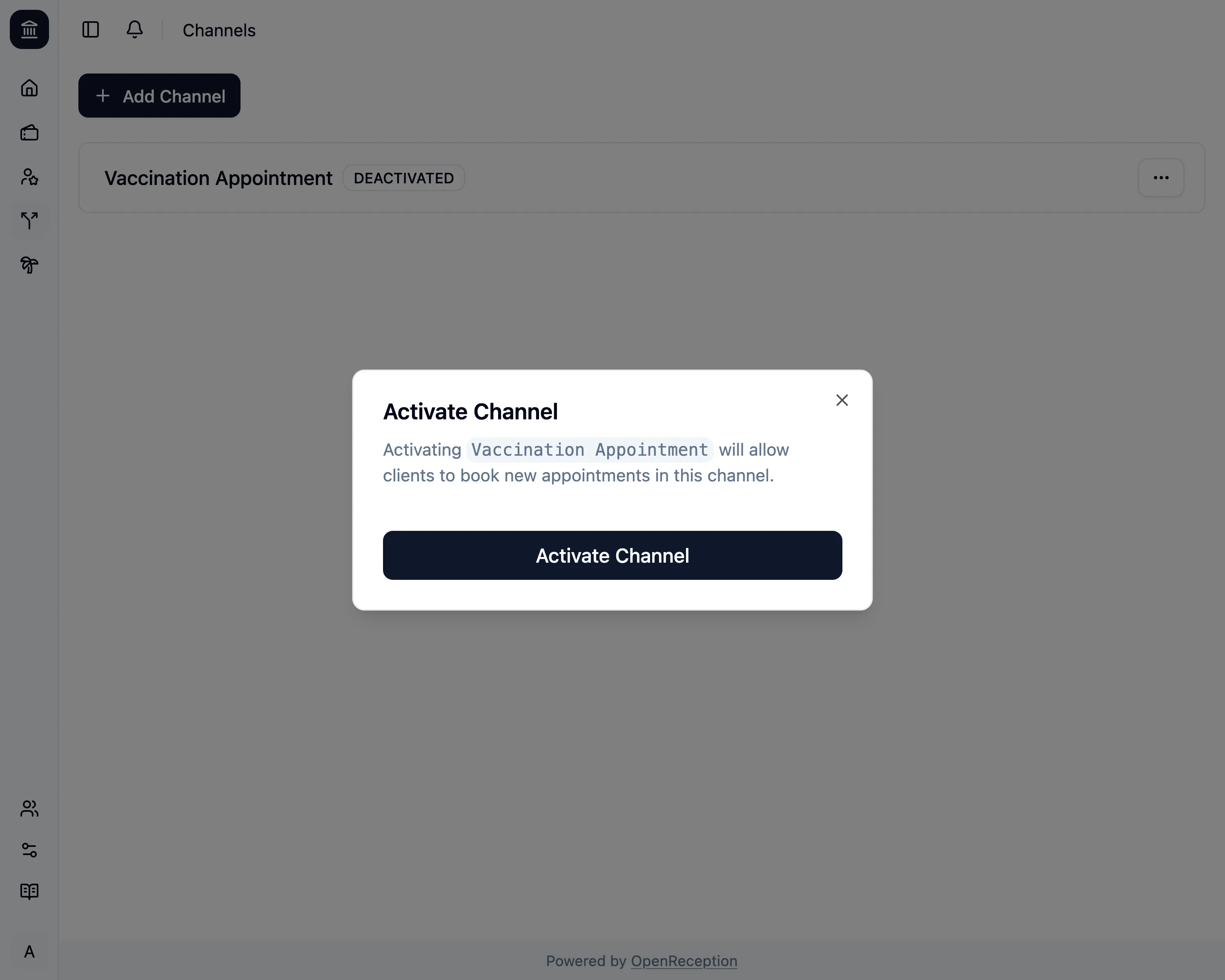
A modal opens. Click Activate Channel
-
The channel will be activated. It will appear in the channel list for booking appointments again.
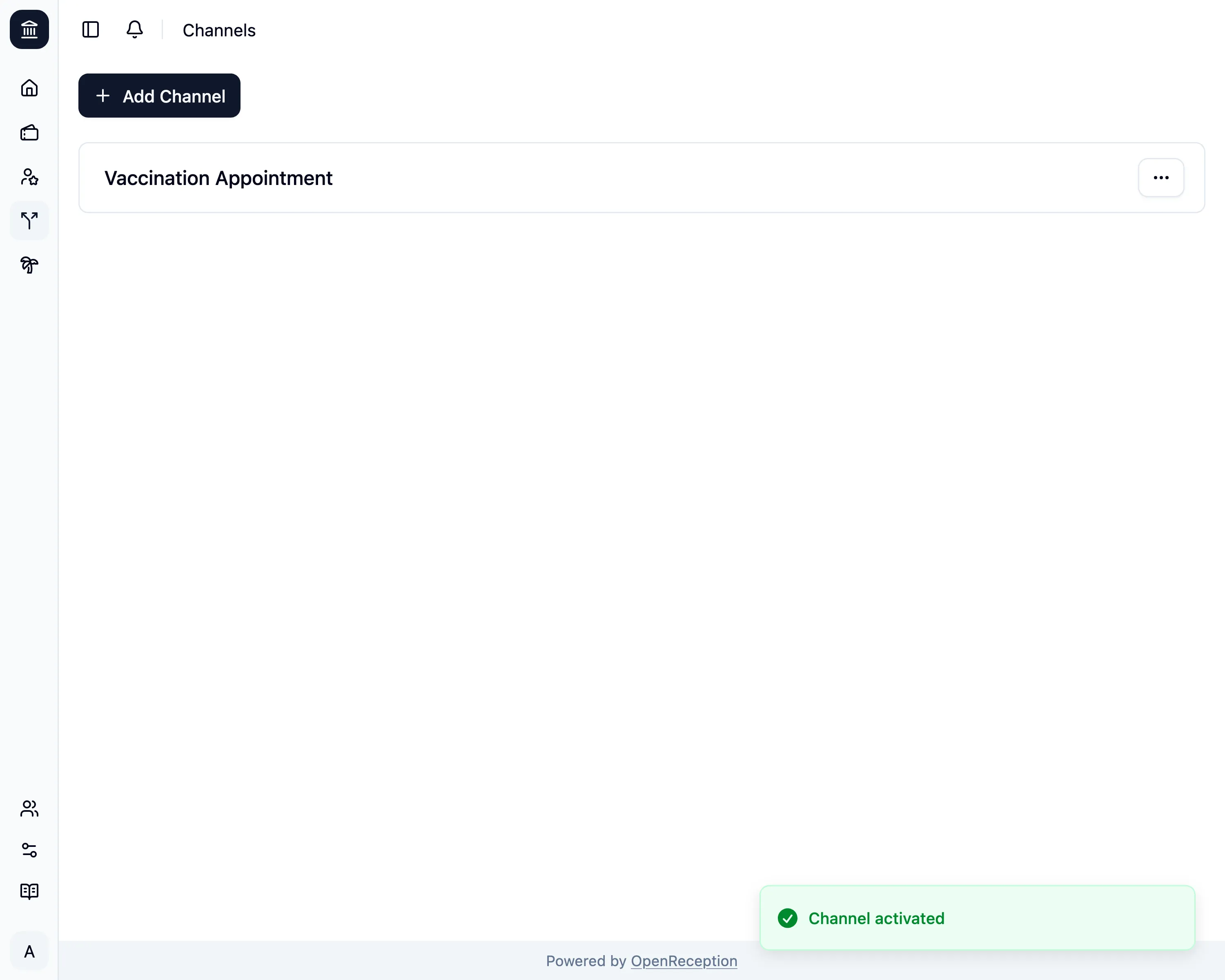
You can now run the same process to deactivate the channel.