
Book Appointment
This step-by-step guide shows you how book an appointment in OpenReception.
-
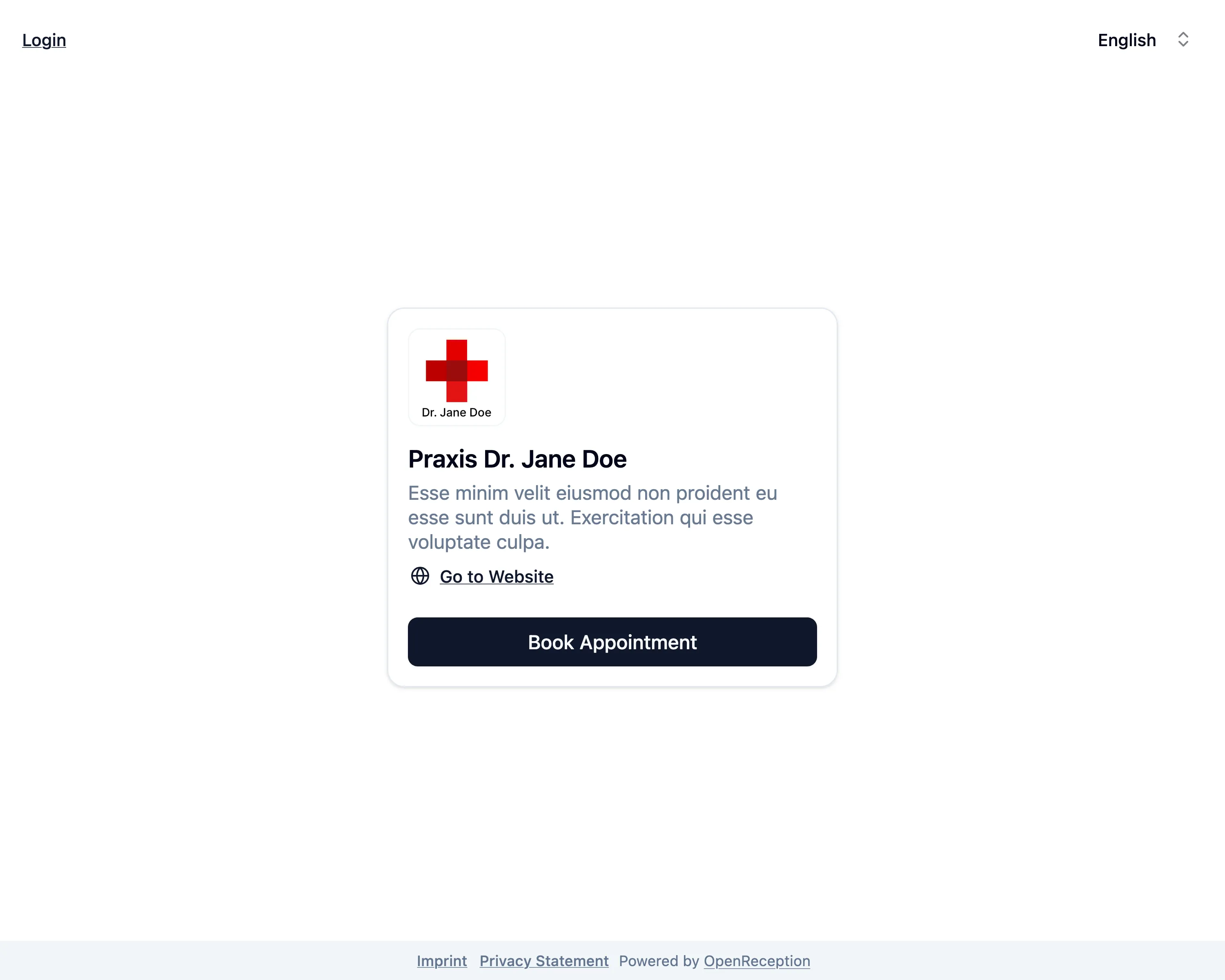
Navigate to the organizations appointment booking page and click on Book Appointment.
-
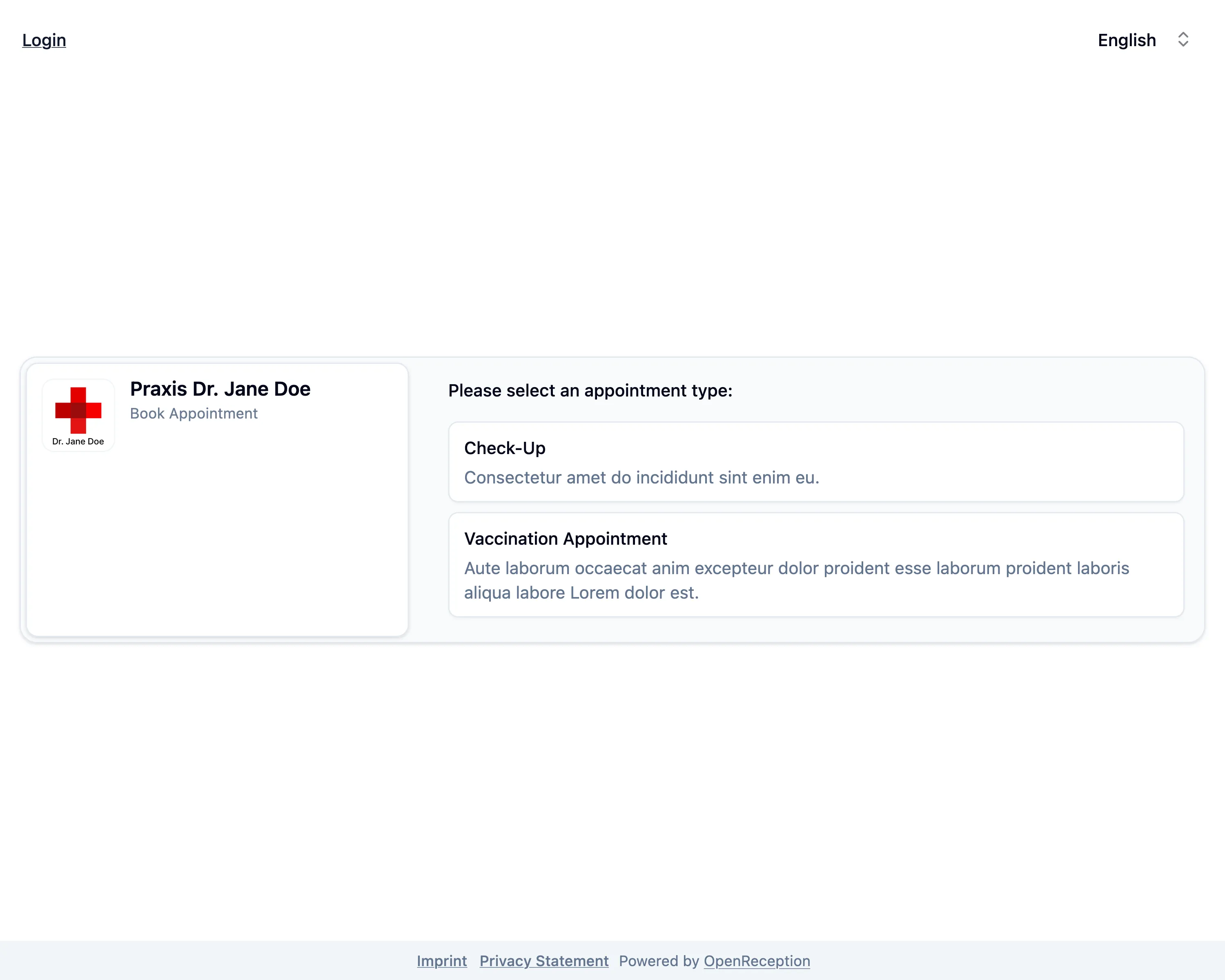
Select the appointment type you want (internally we call them channels).
-
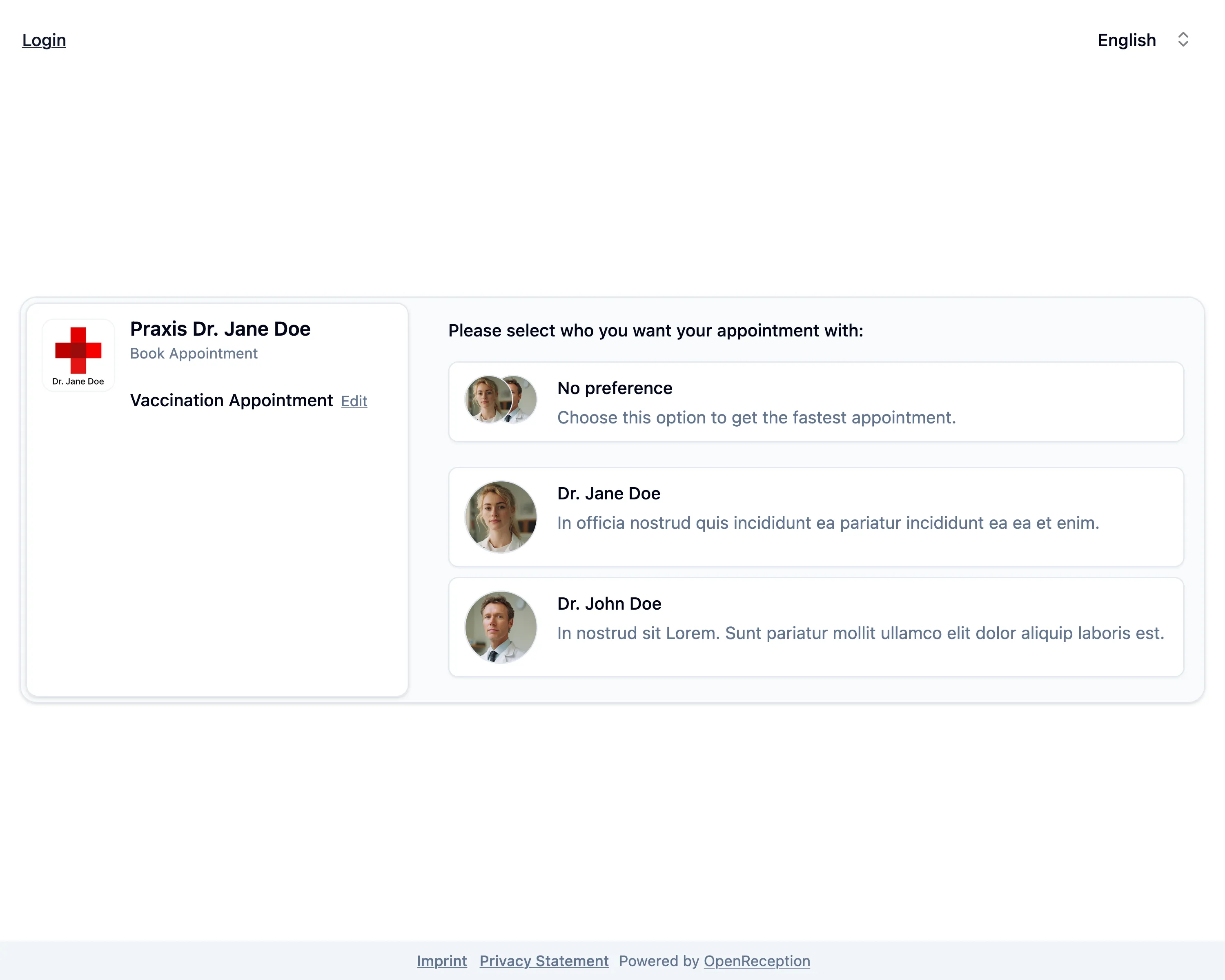
Select the person you want your appointment with. This step is skipped, if only one person is available for this appointment type.
-
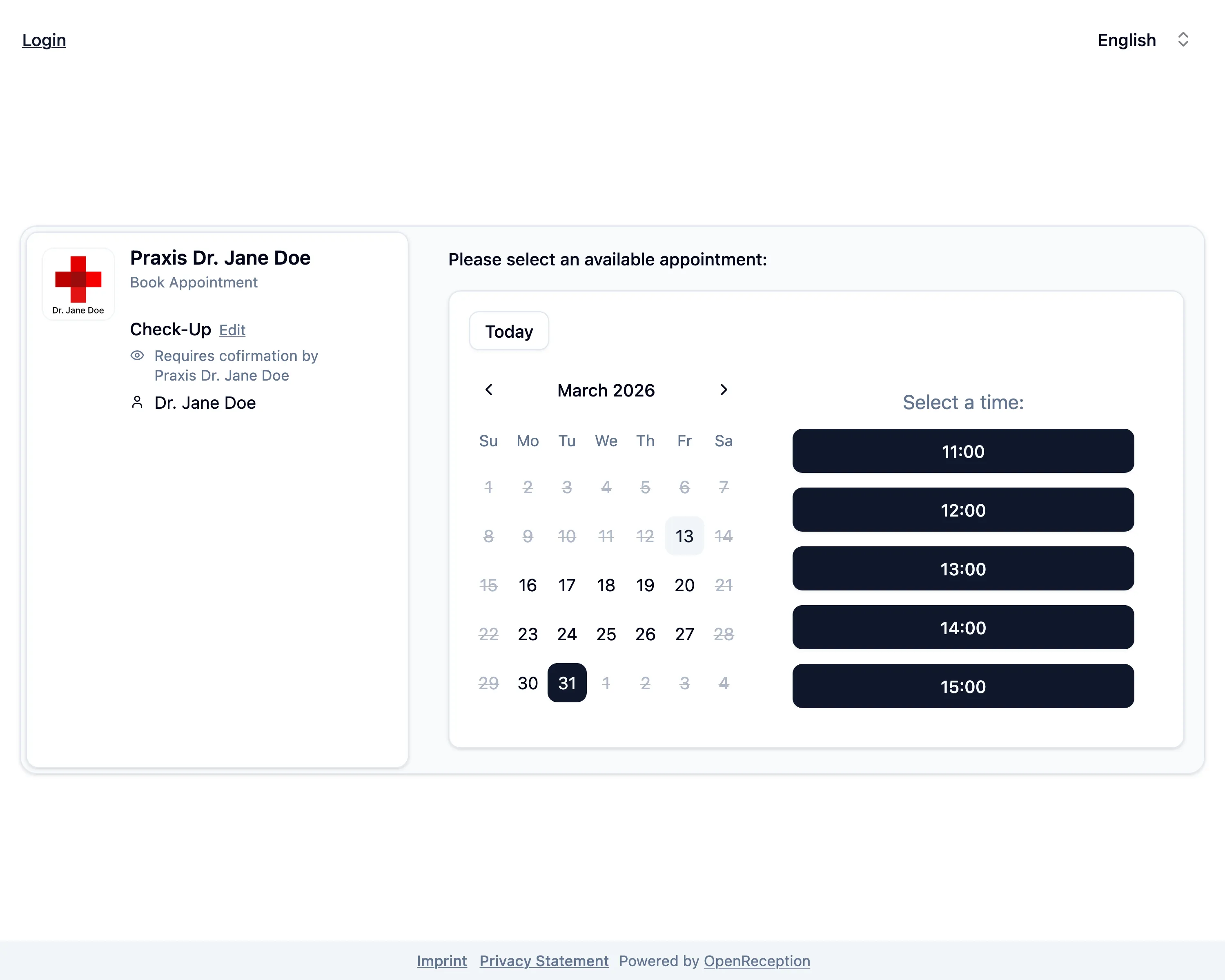
Select an available date and time for your appointment.
-
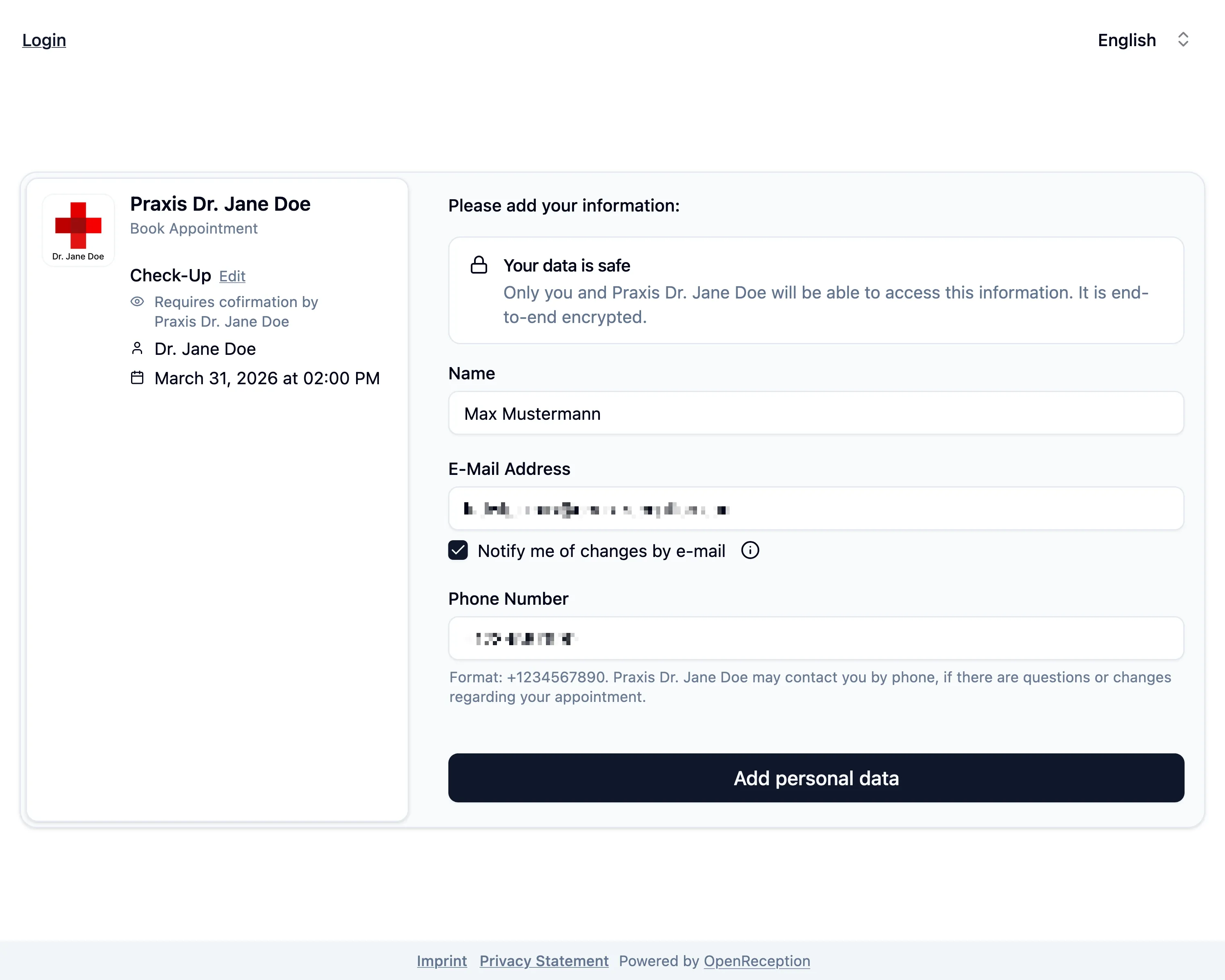
Add your personal data.
- Add your name.
- Add your e-mail address.
- Check the checkbox below the e-mail address field to be notified about changes. If you don’t check this you need to come back and login to manually check for changes.
- Add your phone number. The organization may require you to add your phone number here.
- Click Add personal data to proceed.
-
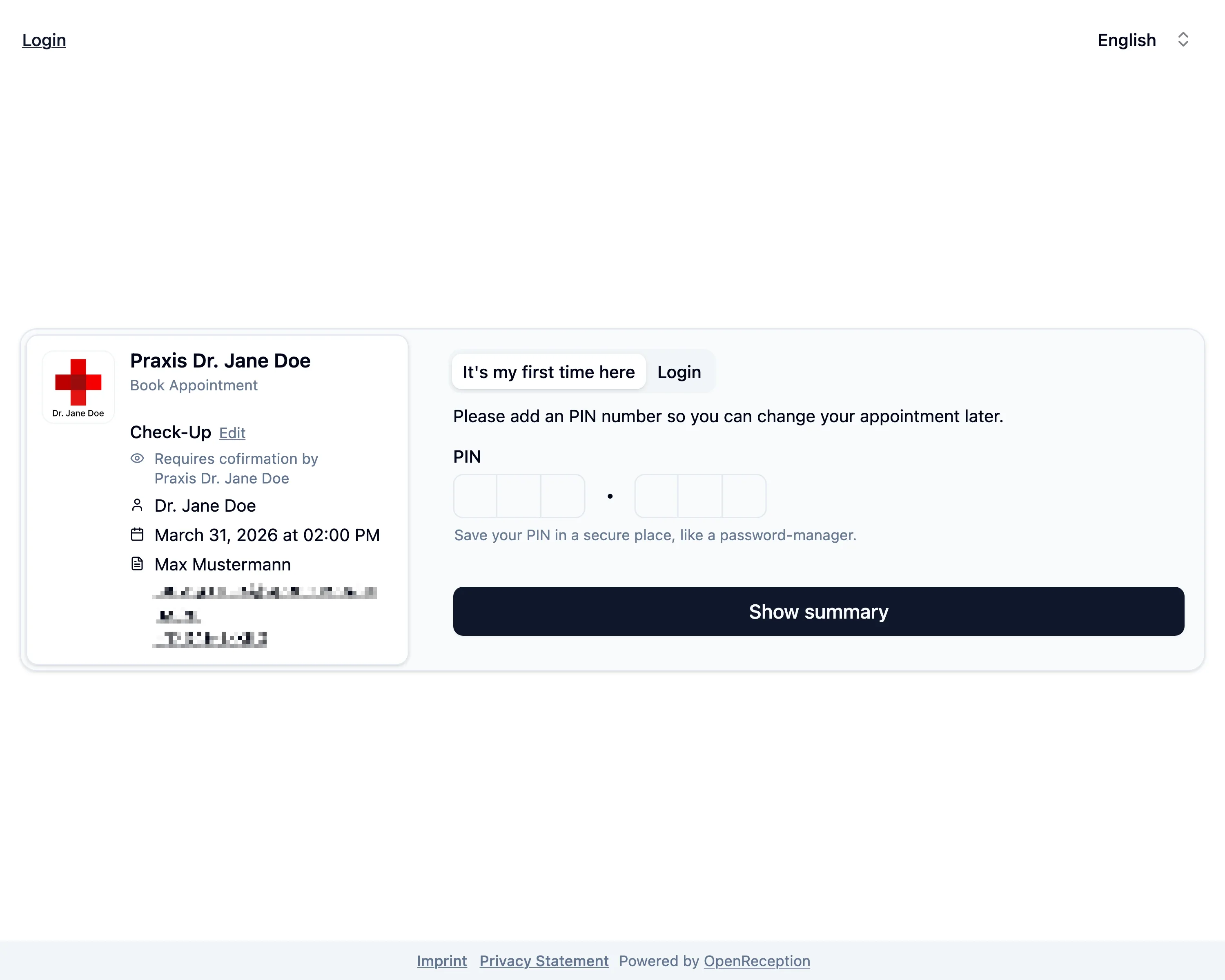
If you’ve booked an appointment here before select the tab Login at the top.
-
Enter your PIN and click Show summary
-
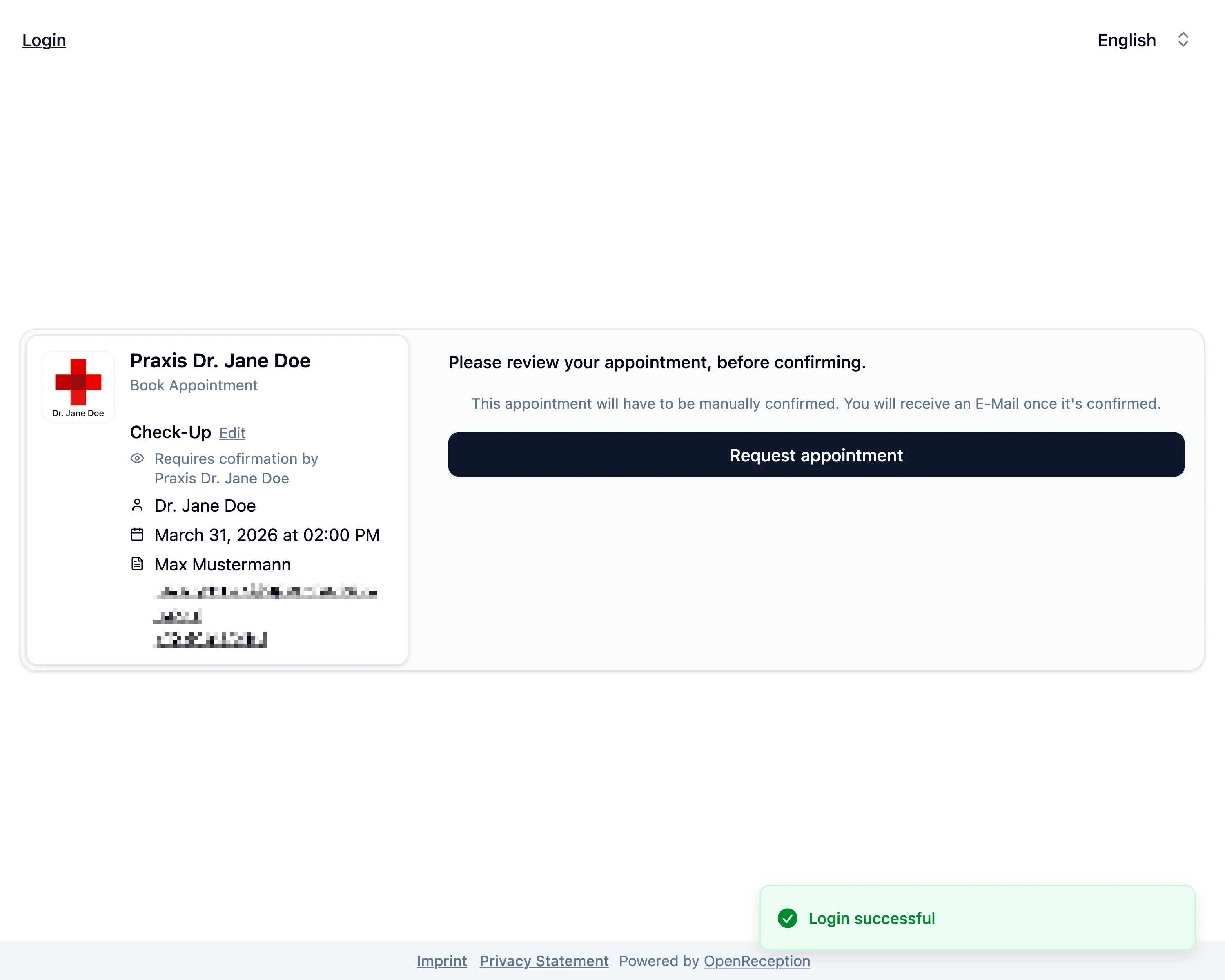
If you’ve logged-in and your e-mail and PIN are correct, you will see a Login successful notification.
-
Check the appointment details. Click Book appointment or Request appointment.
-
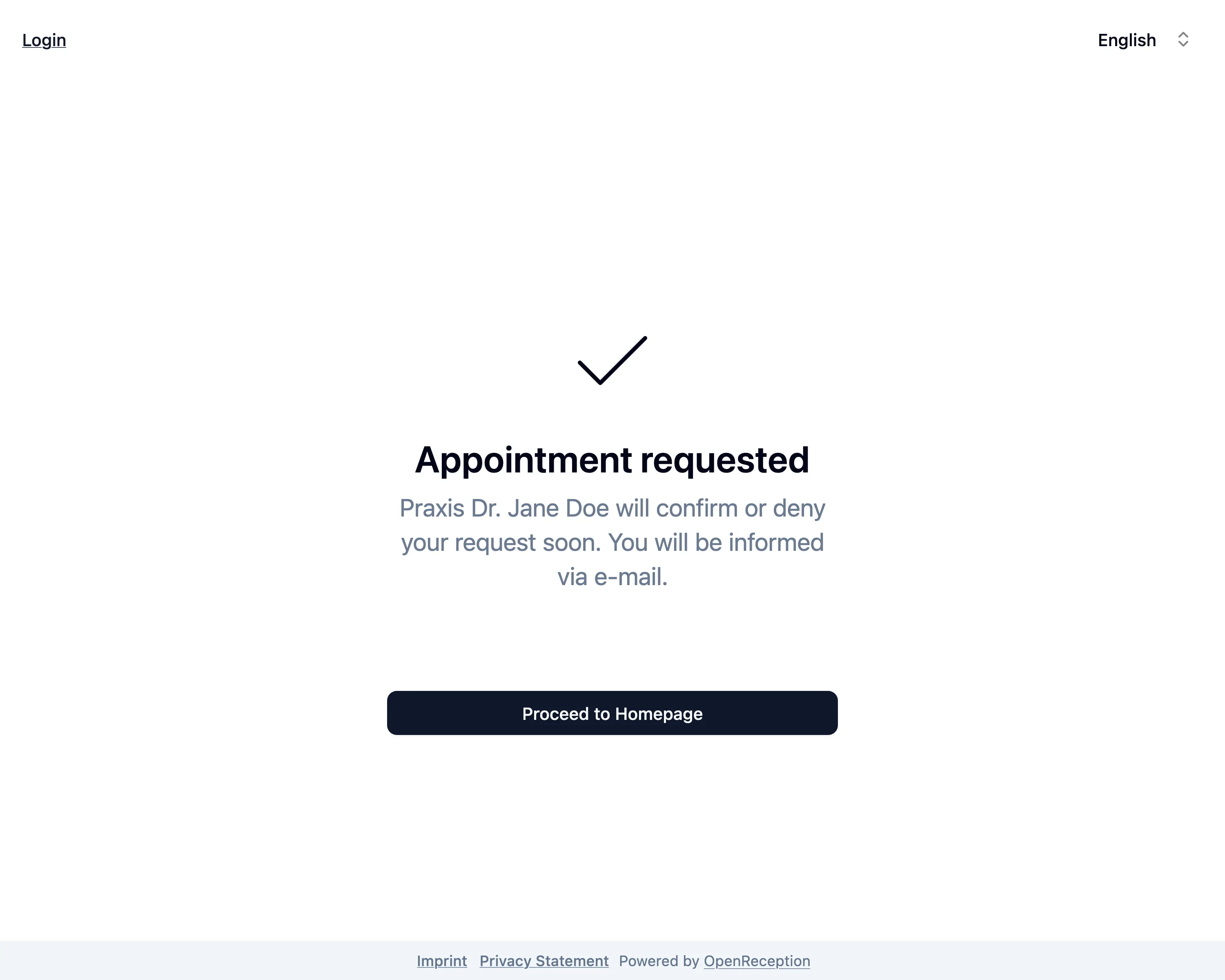
Your appointment is now booked/requested.
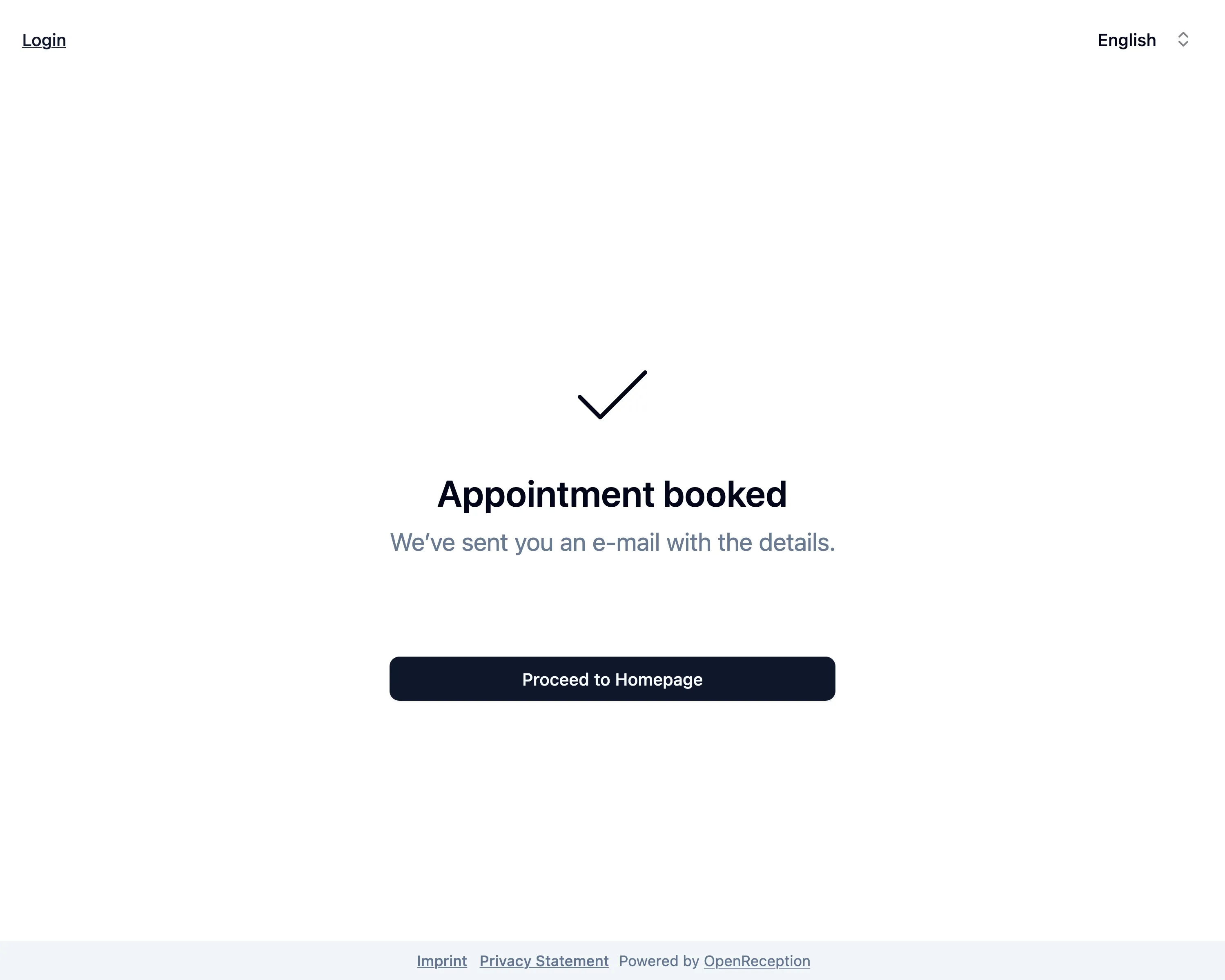
You can now login to see the current state of your appointment.