
Grant Access to Staff Member
-
Navigate to the staff member section of the dashboard, search for the member you want to grant access to. It will show a badge
CAN'T SEE APPOINTMENTS.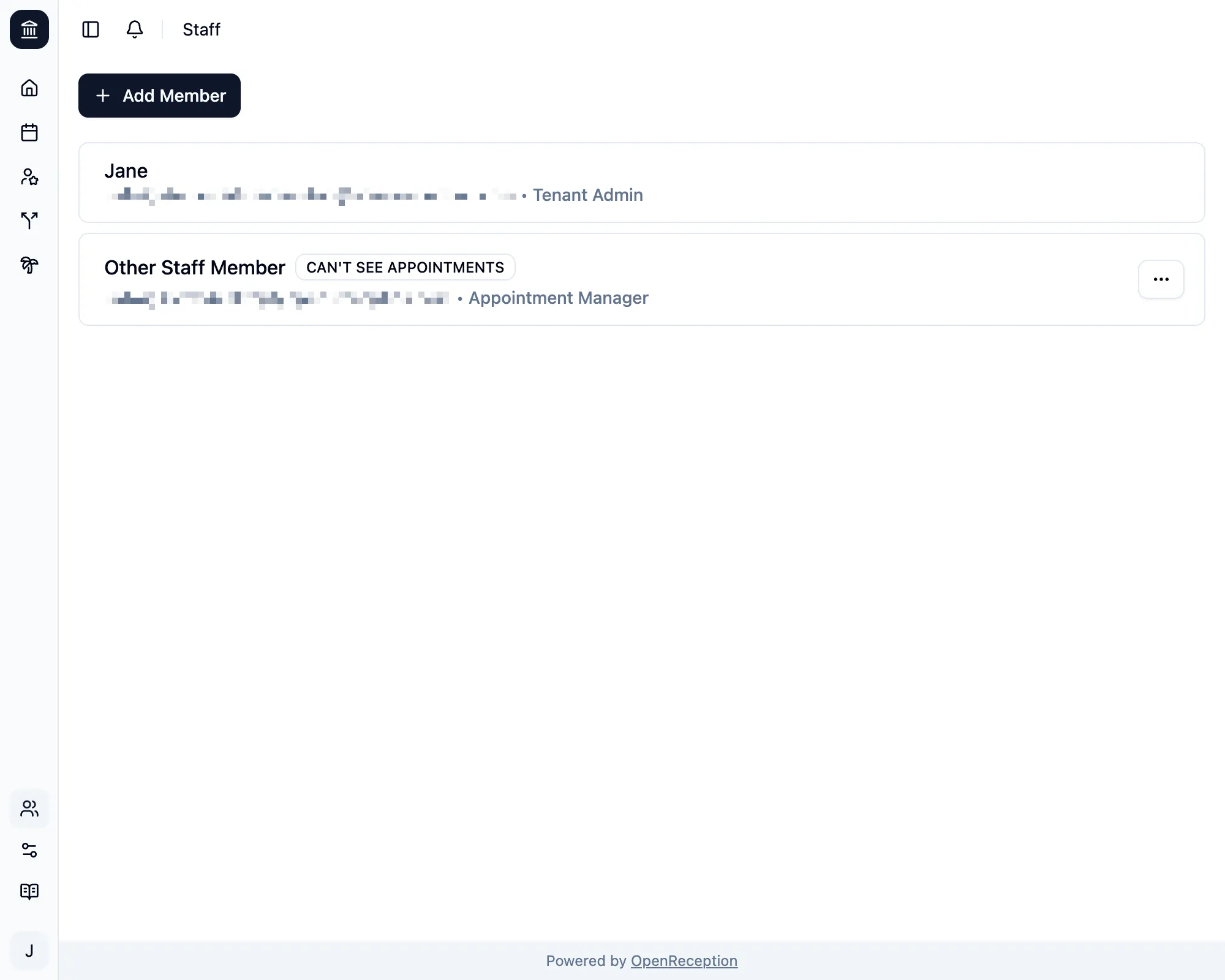
-
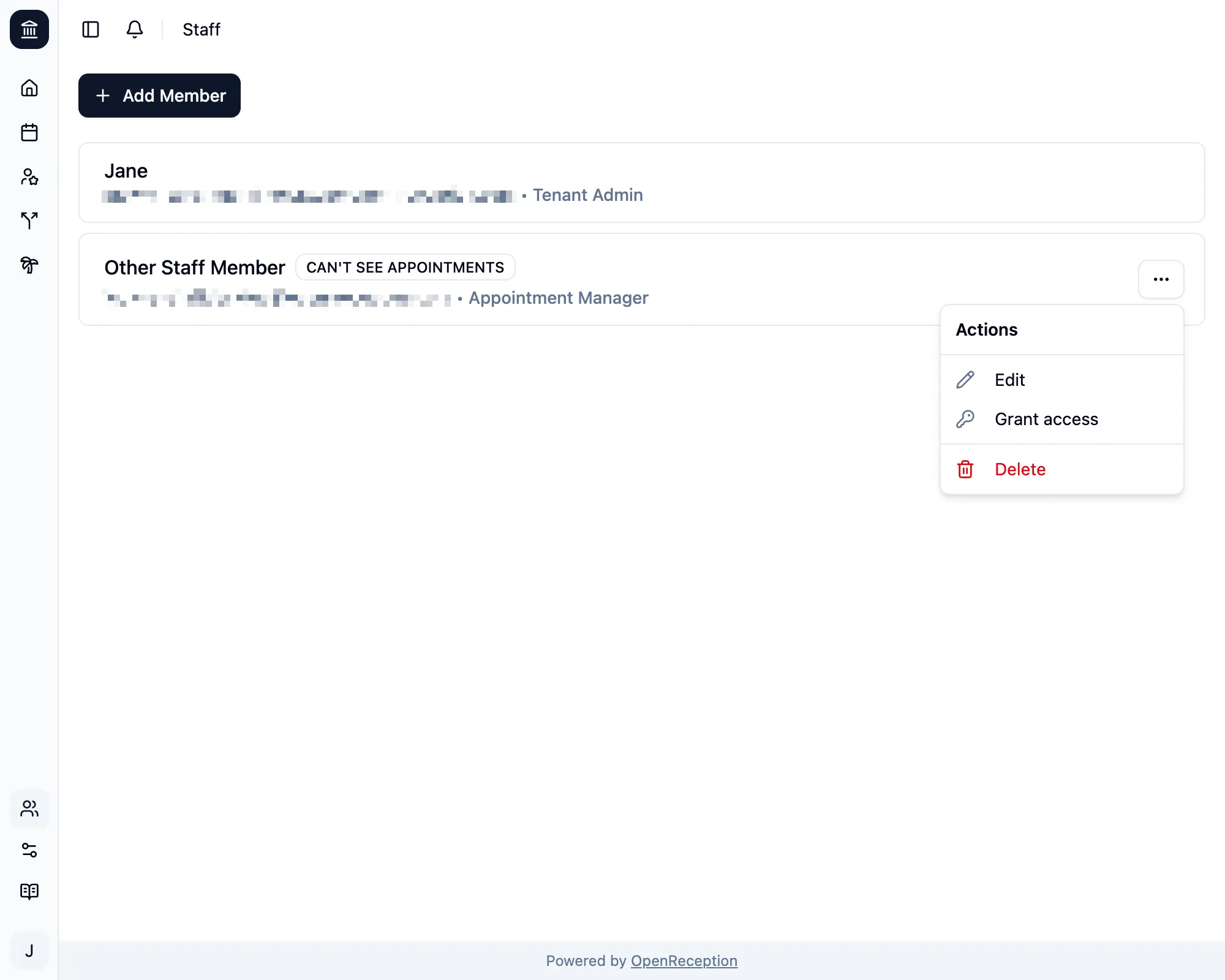
Open the context menu for this staff member and click Grant access.
-
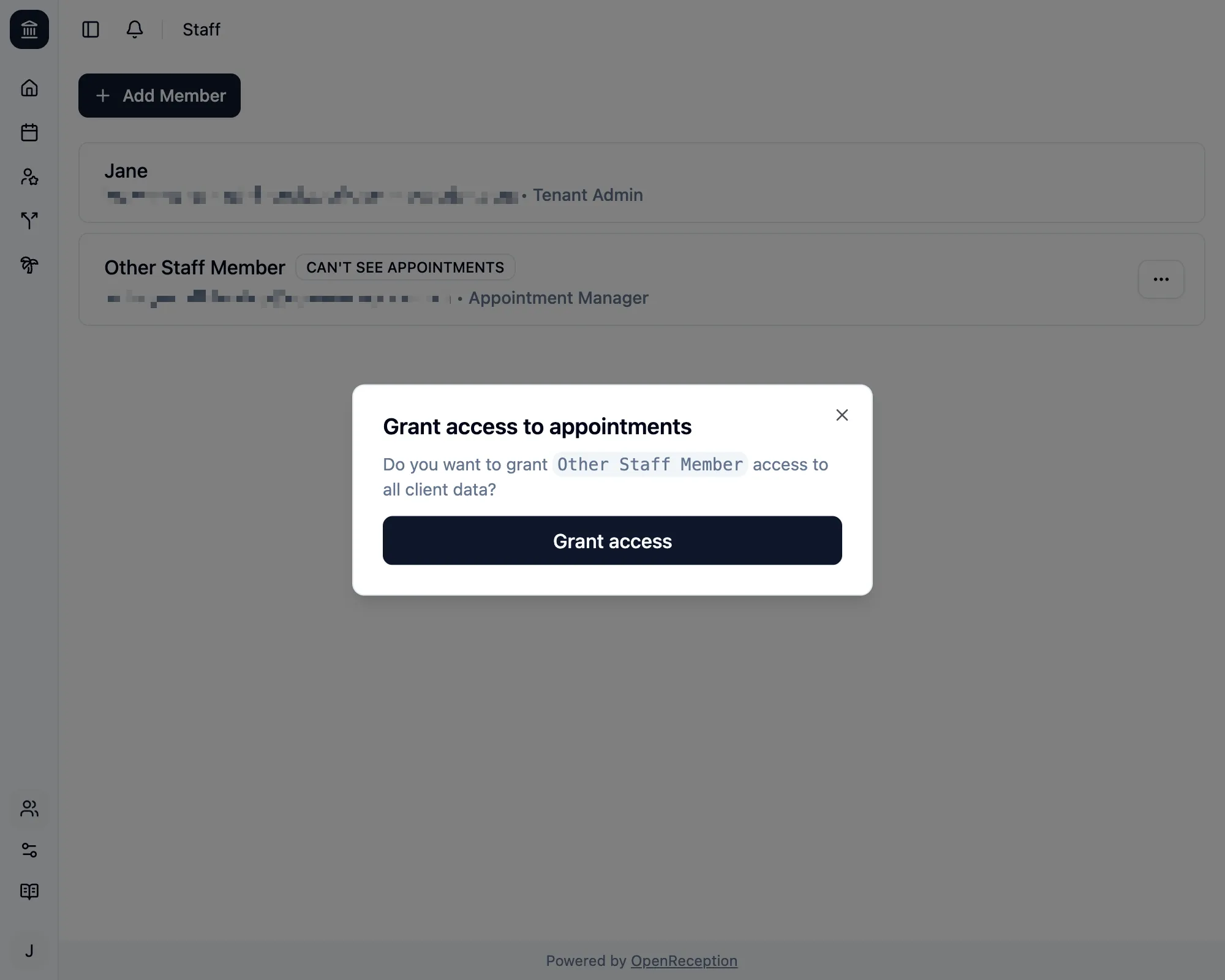
A modal opens. Confirm by clicking Grant Access.
-
When successful the modal closes, you will see a success notification and the
CAN'T SEE APPOINTMENTSbadge will disappear.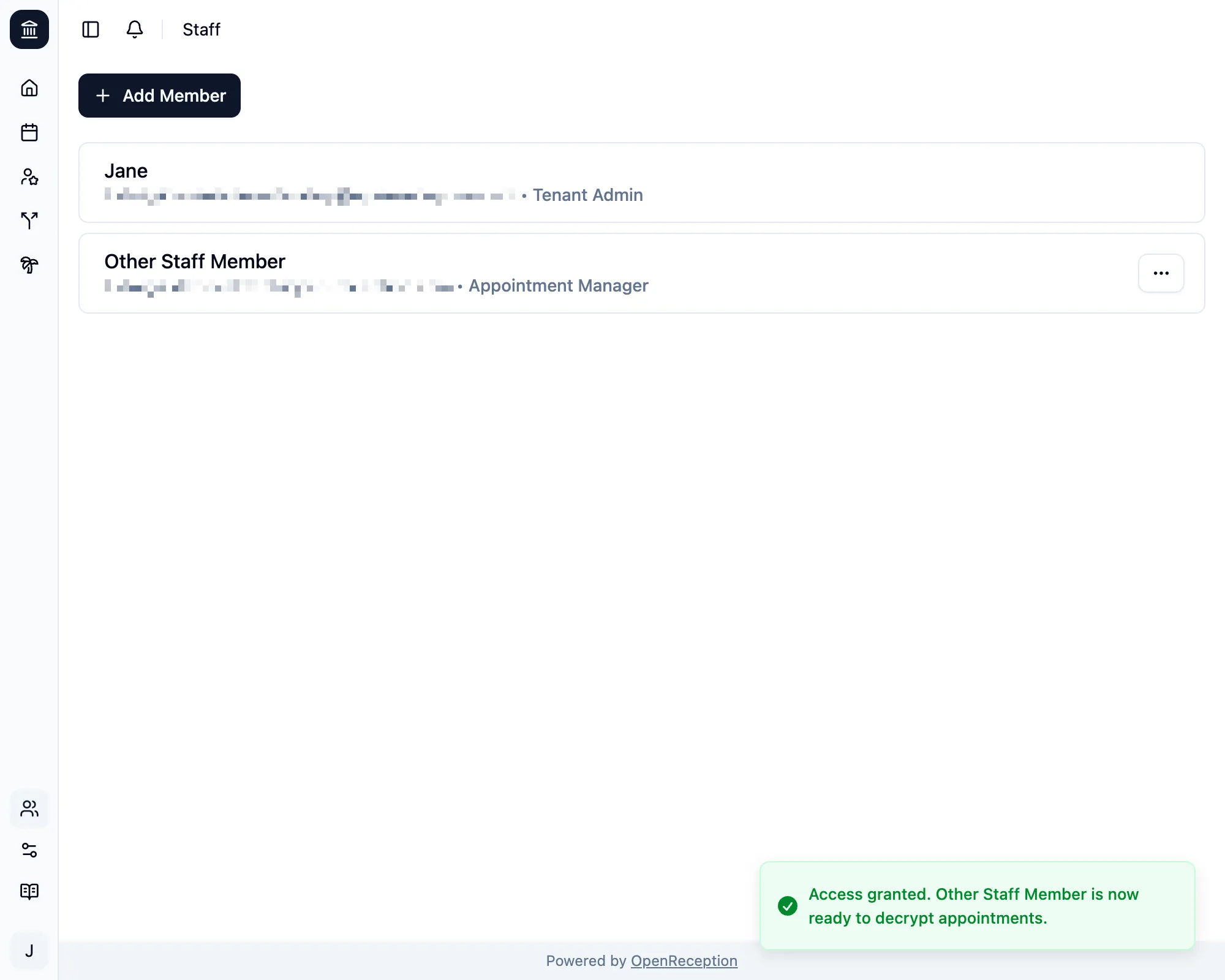
If this process fails, you will be shown an error message. You can retry anytime. You may see this error, if the staff member has not set up their account.
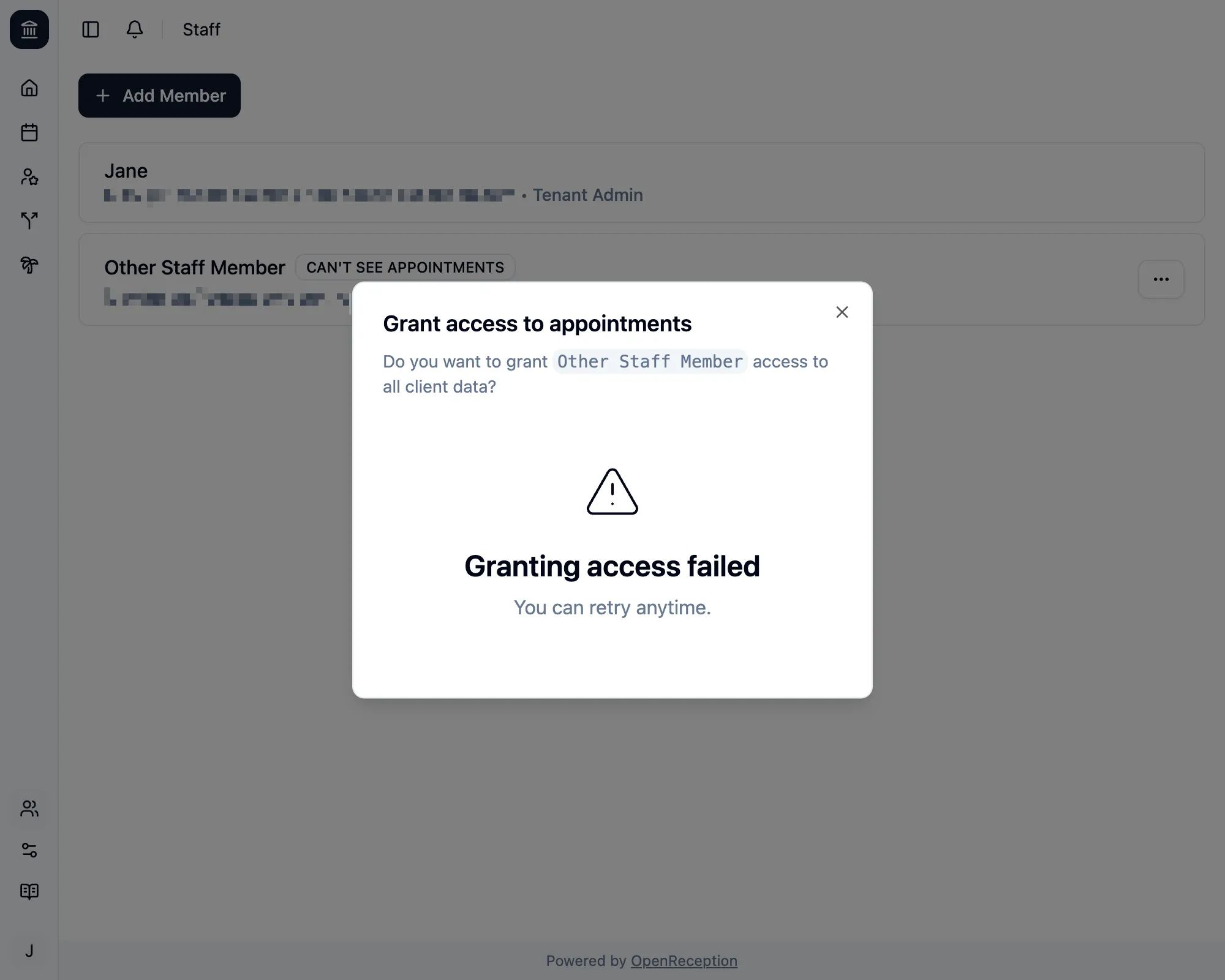
If this keeps happening, you may contact support.