
Manage Passkeys
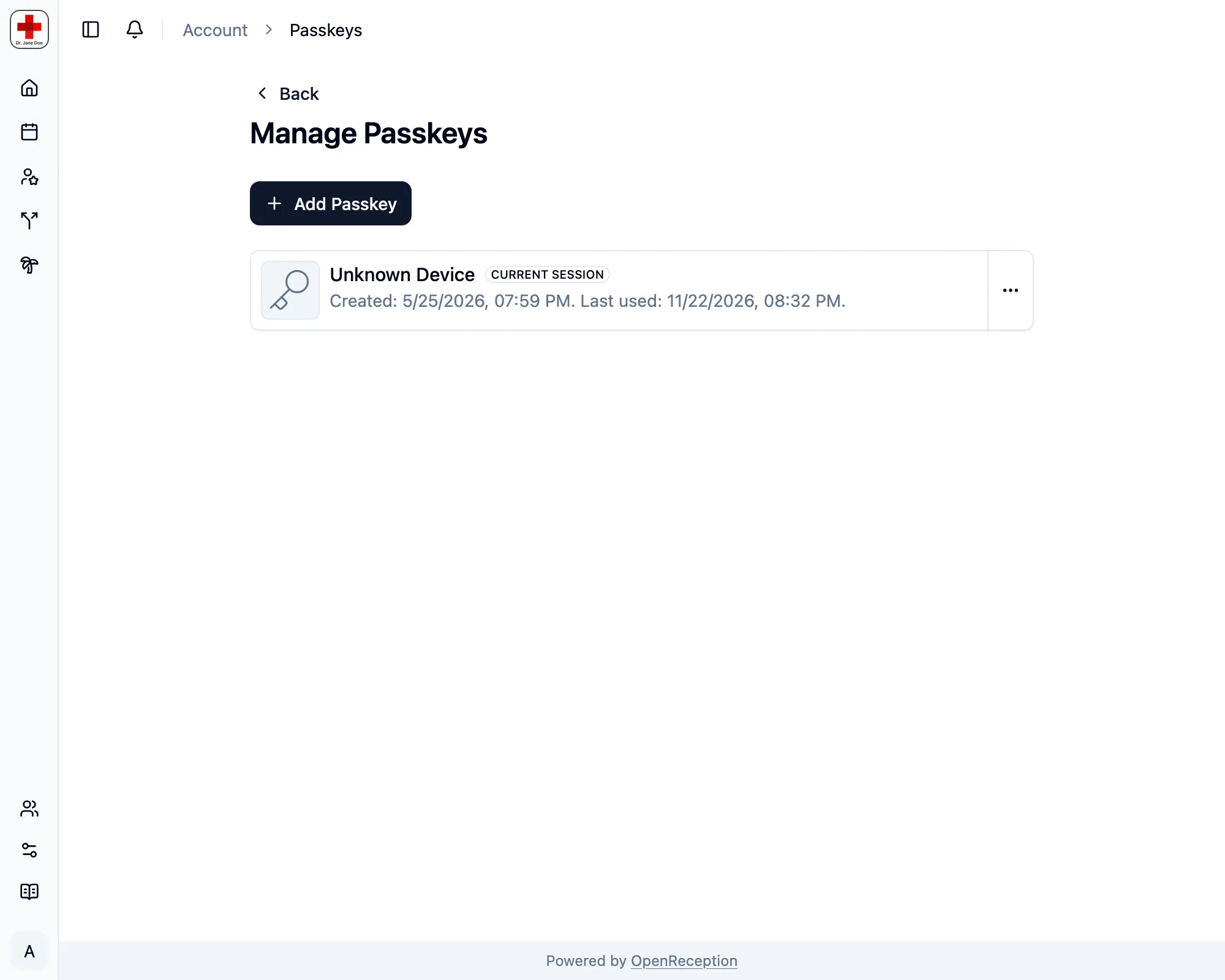
On the Manage Passkeys page, you can add and manage up to three passkeys for your account. For each passkey, you can see:
- a name (change it, if you like)
- the creation date
- the last used date
- if it’s used in your current session
Naming Passkeys
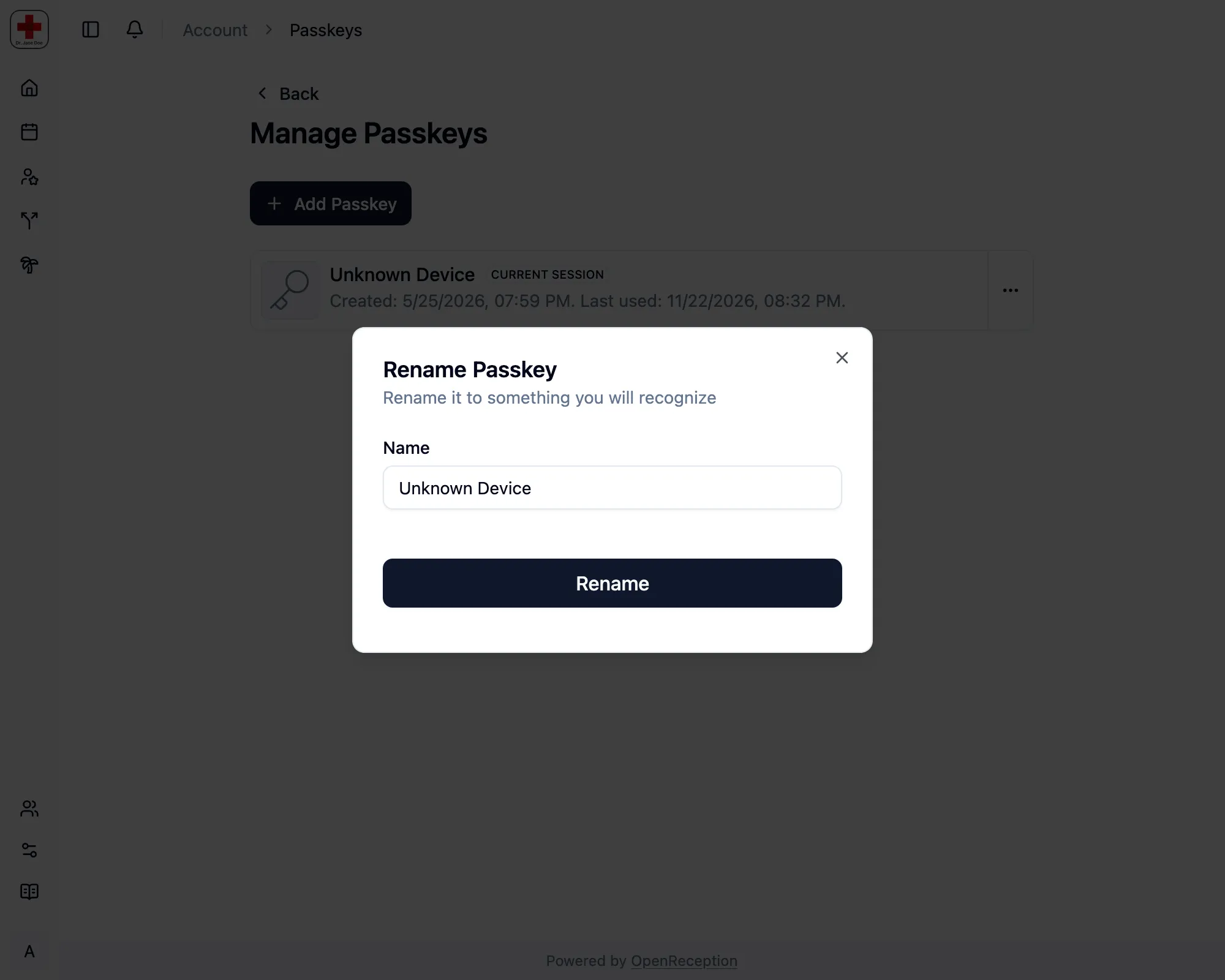
Section titled “Naming Passkeys”Open the context menu and select Edit. You can add a name for each Passkey, so you can recognize them easily later. This is useful if you have multiple Passkeys, which we recommend for Tenant Admins.
Adding Passkeys
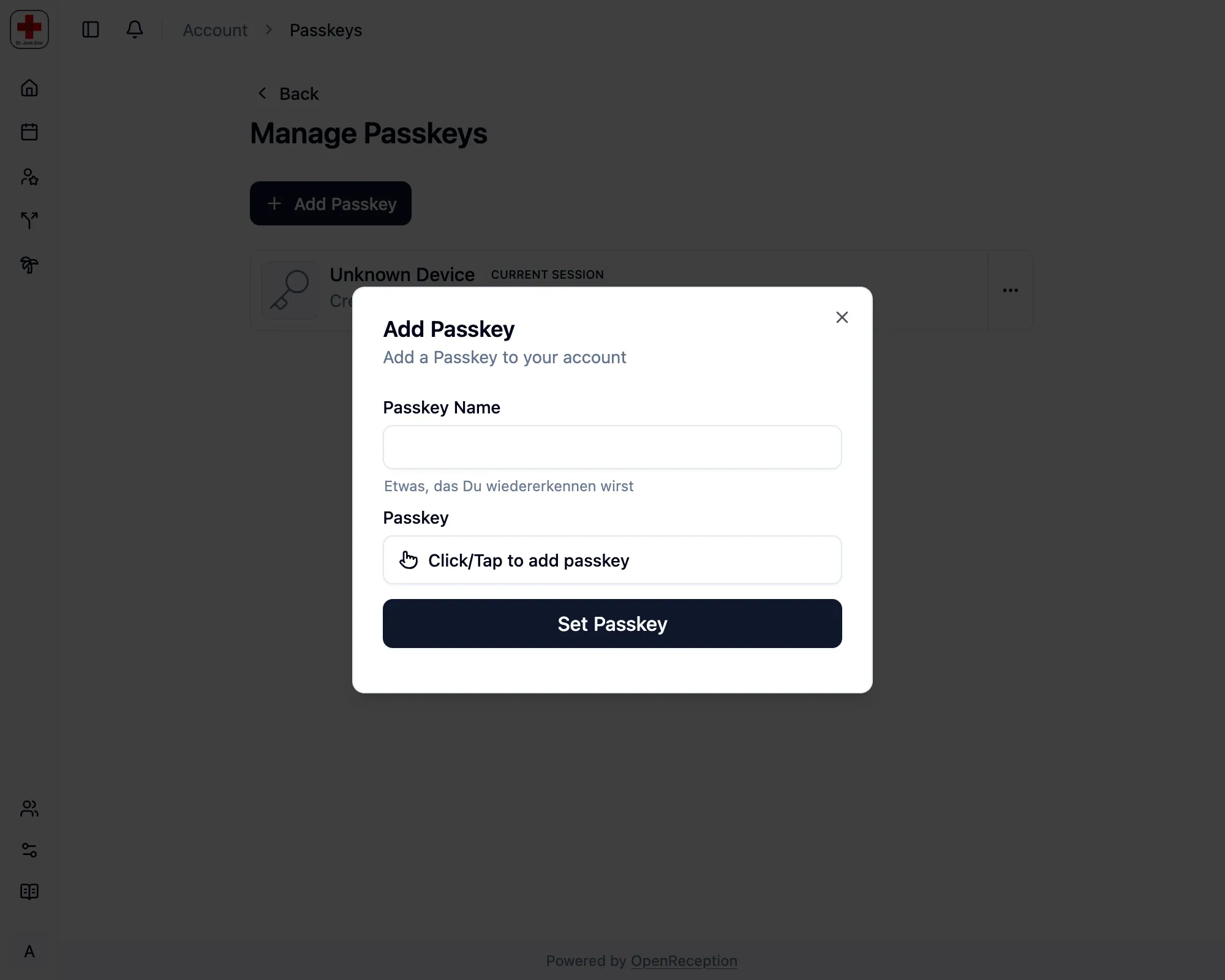
Section titled “Adding Passkeys”To add a new Passkey, click on the Add Passkey button and follow the instructions. You can add up to three Passkeys for your account.
For additional guidance on adding a Passkey, please refer to the account setup process, which provides step-by-step instructions.
With Funding from: