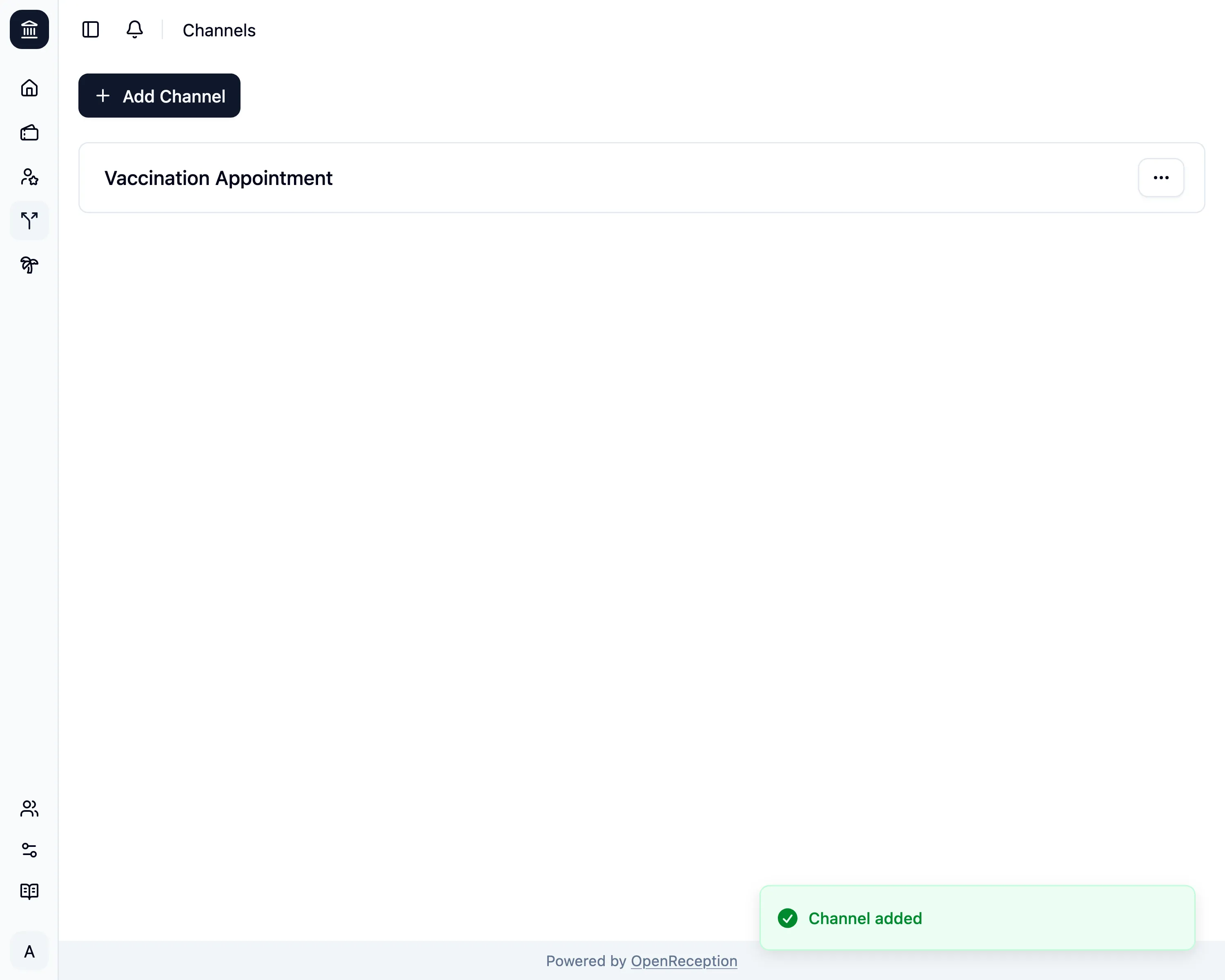
Add Channel
-
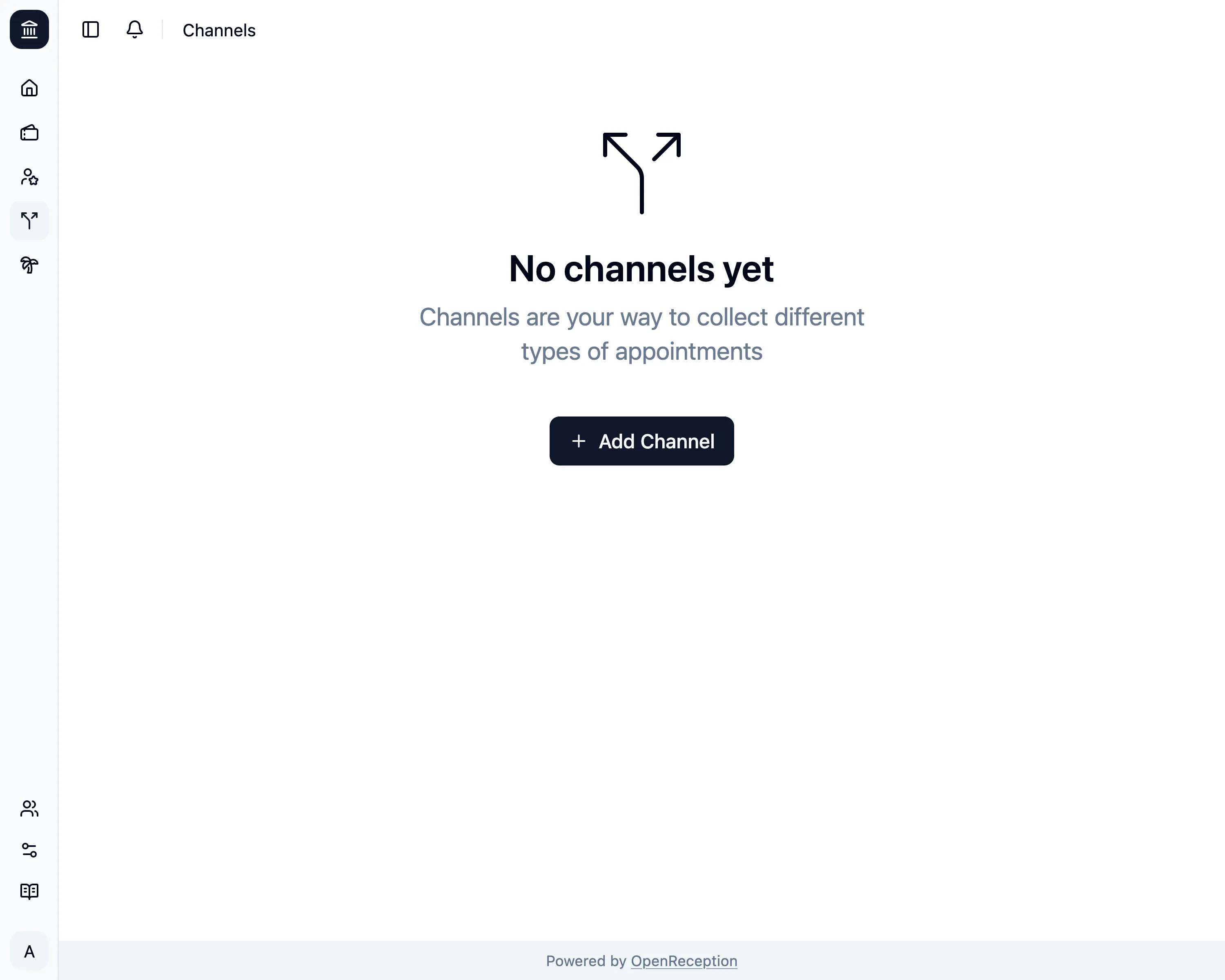
Navigate to the channels section of the dashboard and click on Add Channel
-
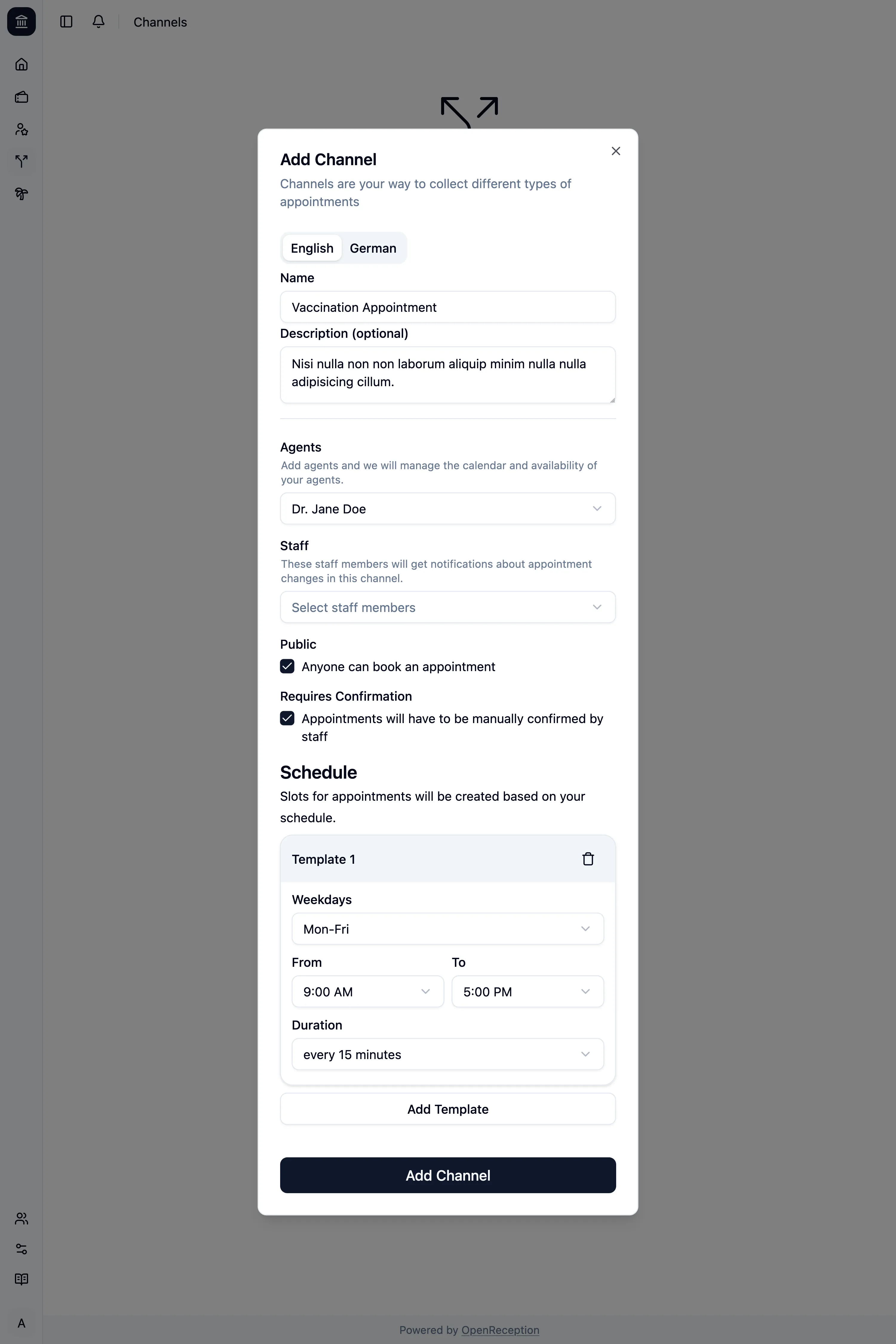
A modal with a form opens.
- Add a name and description in all your languages
- Select the agents that can conduct appointments in this channel. When auto-secting agents they will be selected in the order you’ve set in this list.
- Select the staff members that will get notifications about this channel (for appointment requests).
- Select if this channel should be public. If It’s not public, only you can book an appointment using the calendar
- Select if appointments require confirmation. You will be notified by the notification system if a new request is added.
- Add a schedule for you appointments. See slot templates.
-
Then click Add Channel and it will be saved.